Journal entry
Vibe Transfer is Now Available On NovelAI Diffusion V4
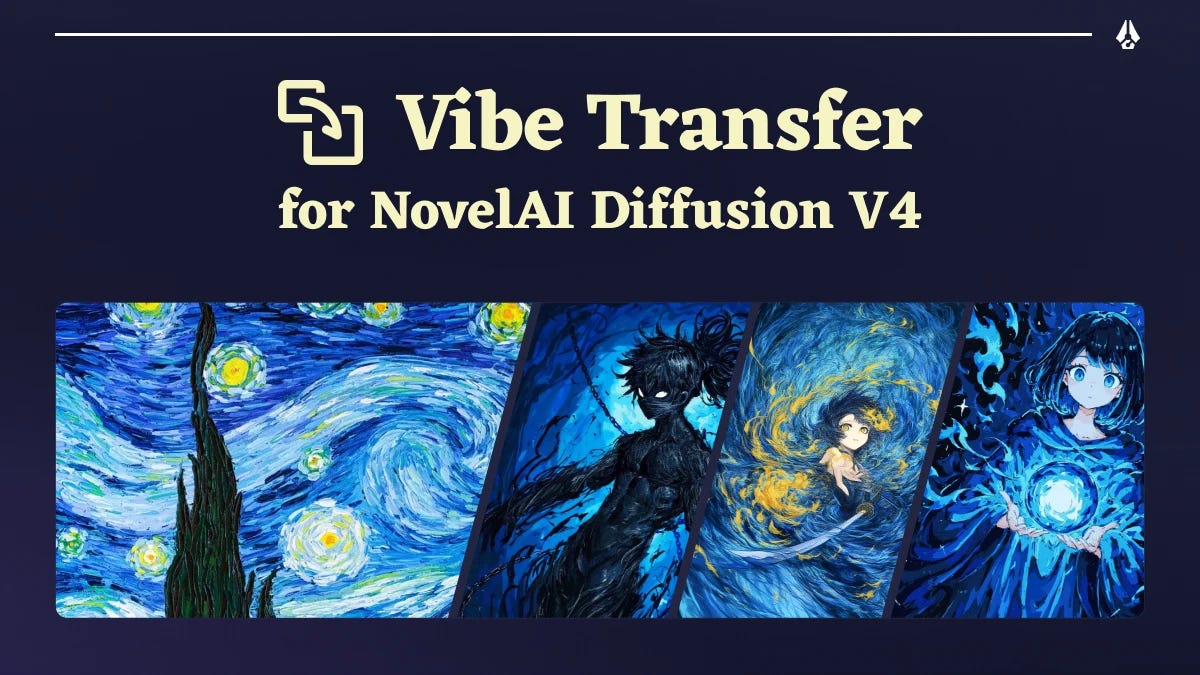
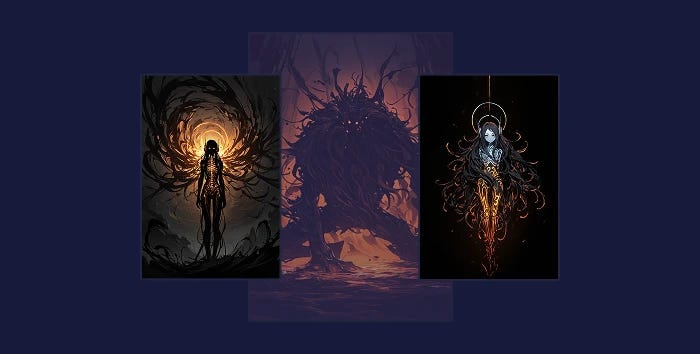
Vibe Transfer has now arrived for our V4 image generation models. We completely revised and upgraded its functionality, making it much easier to control. Vibe Transfer will now focus on transferring the overall style and feeling from one image (or more!) to your generation, and can also see images in much more detail with high resolution processing. In addition to bringing your Vibe image’s composition and character features to the generated image, it is now much more flexible than Vibe Transfer in our previous V3 model, while still adhering closely to your prompt.
**Reference Strength and Information Extracted
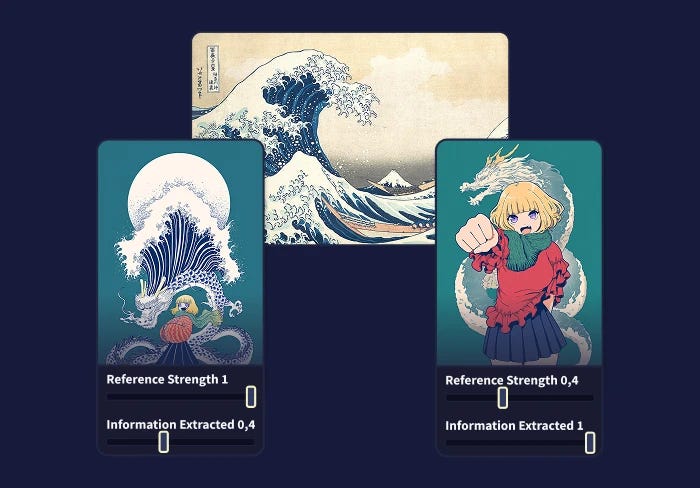
**The two familiar setting sliders make a comeback with Vibe Transfer for V4. Reference Strength lets you determine how strongly a vibe will be applied to the images you generate. Information Extracted determines what part of the image is transferred. At 1.0, it will attempt to transfer as much as possible where as at lower values, it will transfer less details and style and more of the image’s composition.
Note: Generally, the strengths of all your vibes should add up to 1.0 or less for best results.
Vibe Encoding
To enable the higher level of detail, the way images are encoded into vibes had to become more complex and in turn has slightly impacted processing time. It now takes longer compute time, even on our fast H100 GPUs. For that reason, encoding an image into a vibe now incurs a one-time nominal fee of 2 Anlas. Changing the “Information Extracted” value will necessitate encoding the vibe at this new value, which will also cost an additional fee.
Note: To avoid repeatedly spending Anlas on encoding the same images, we’ve added various features to preserve and even share pre-encoded vibes.
Vibe Caching
As long as you don’t clear out your browser’s cache, The NovelAI image generation page will remember the images that you have encoded into vibes. If you have encoded a vibe at multiple, different “Information Extracted” values, it will remember all of these variants too! That means as long as you are using the same browser, you will not need to re-encode the same image with the same settings again.
Vibe Downloading & Sharing
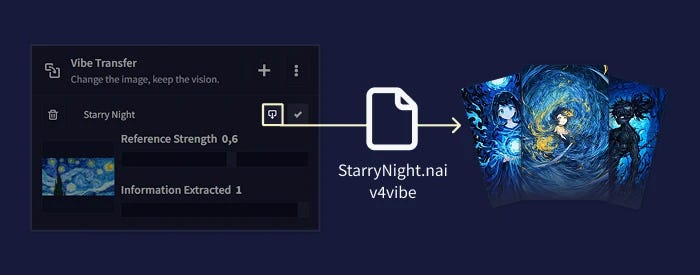
New for Vibe Transfer in V4 is Vibe Downloading & Sharing. We’ve added a button that allows you to download a “.naiv4vibe” file after encoding your vibe. This file contains the original image, a thumbnail and encoded vibes of the image for all the “Information Extracted” values you have used on your browser. You can simply import it back in, like a regular image for Vibe Transfer, share it with friends and copy it to other devices. Since it contains the encoded vibes, you will not have to pay the vibe encoding fee again when using them at “Information Extracted” values that you used before downloading it.
You can also now download all the vibes you currently have set up at once into a single file. This makes it easier to reuse and share complex vibe setups. You can also use the “Export as Encodings” toggle, to download a bundle of your vibes without thumbnails and customization options.
Vibes in Image Metadata
With Vibe Transfer for V4, we now embed the encoded vibe in your image’s metadata, so you can easily reproduce your previous vibe setups and share them with friends.
Note: Due to technical limitations, the vibes are only embedded in the regular PNG metadata you get when saving an image with the save button, not when directly copying and pasting images from the site to somewhere else.
The embedded vibes are only encoded representations and do not contain any of the image data you originally used to create these vibes. That means that changing the “Information Extracted” value is not possible with vibes imported from images. At the same time, since the vibes are already encoded, there is no need to pay Anlas for vibe encoding!
When importing an image with Vibe Transfer metadata, you can either import (and replace) the current vibes, or you can choose the “Append” option on the import dialogue to add the vibes from the image to your current ones.
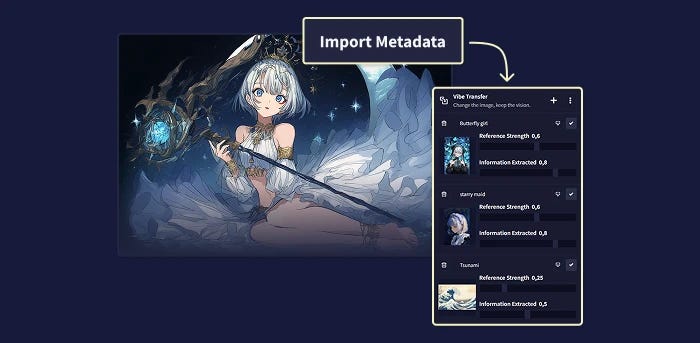
Multivibe
Multivibe is back in V4, allowing you to apply up to 16 vibes while generating a single image. Because generating images gets slower when there are more than 4 vibes, each additional vibe will cost a small fee of 2 Anlas.
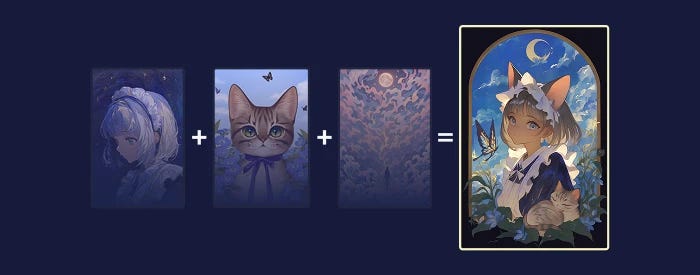
Vibe Transfer is now available on NovelAI Diffusion V4 — login now to create your masterpiece today!
(Looking for some Vibe Transfer inspiration? Check out what the NovelAI community is creating on our Discord server!)