Journal entry
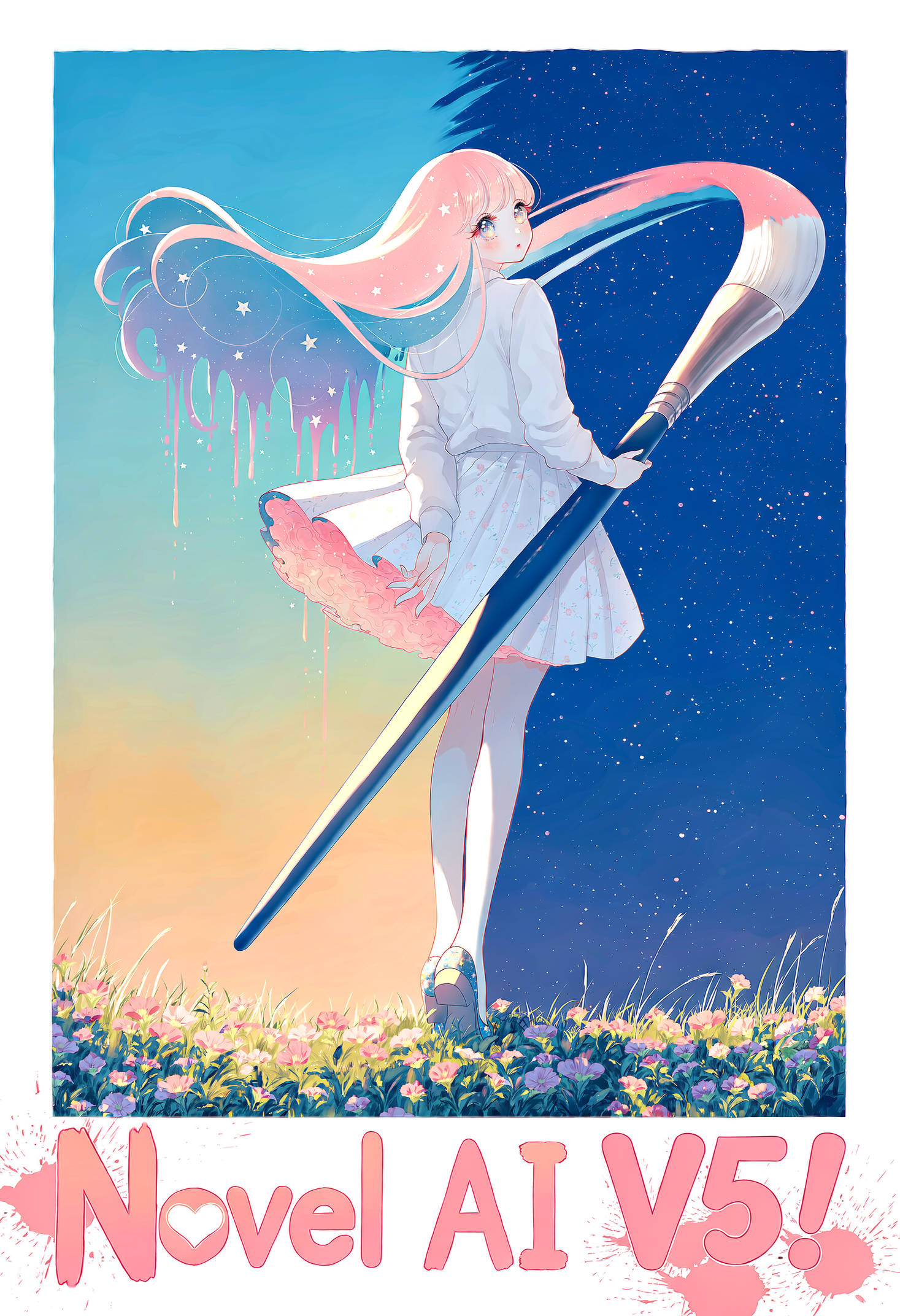
[Image Generation] NovelAI Diffusion V5 is here!
NovelAI Diffusion V5 is a considerable step forward. Not because of any one feature, but because of how they all work together. Built on our own architecture and improved over V4.5, it’s more than twice the size and was trained in-house on 268,000 B200 GPU-hours.
Both NovelAI Diffusion V5 Curated and V5 Full are available now!
Sharper natural language understanding, expanded multi-language prompting, reworked character positioning, higher image fidelity, and more, all coming together in our most refined and capable model to date.
Let’s walk through what’s new.
Natural Language
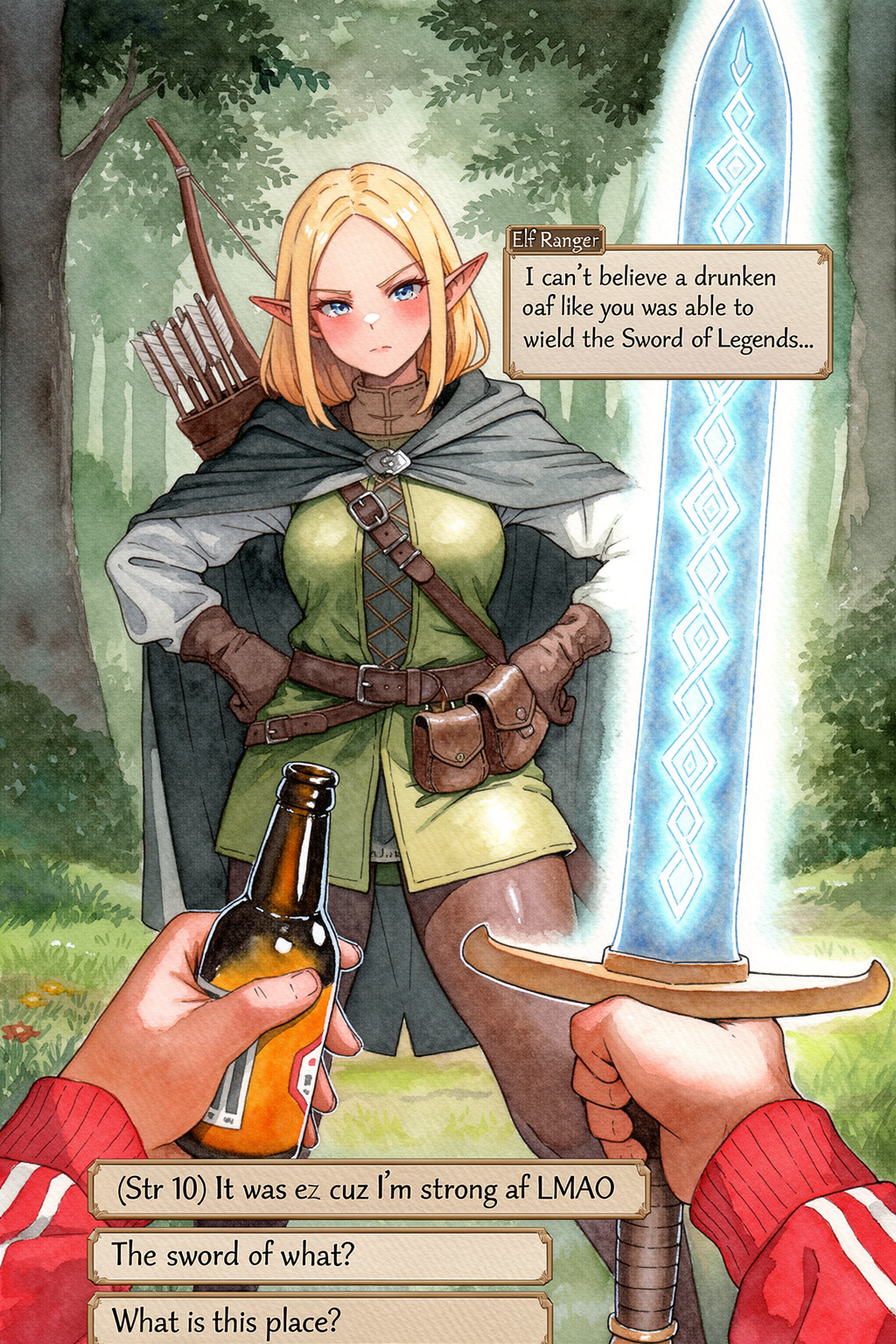
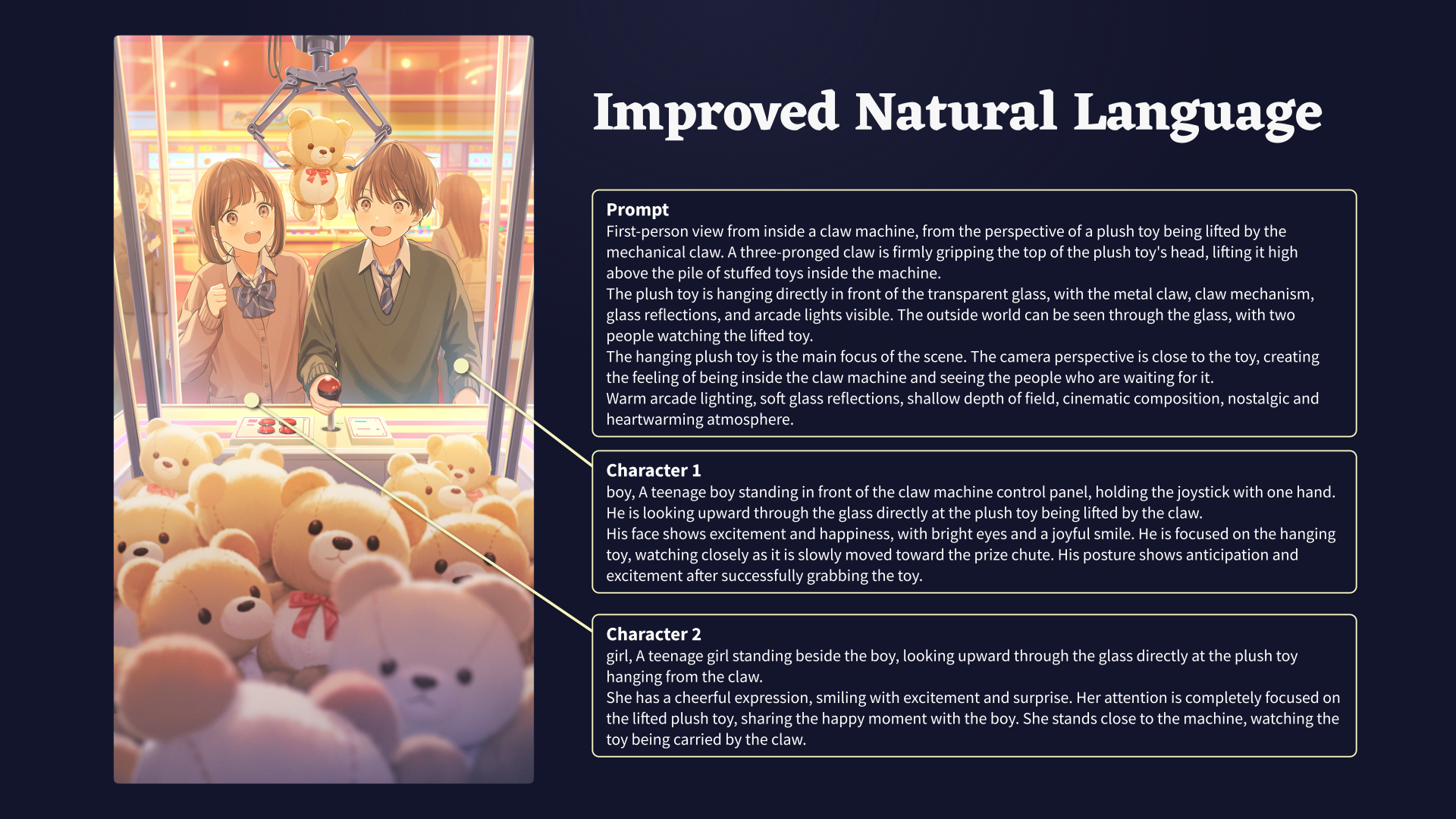
Even though NovelAI Diffusion V4.5 introduced the ability to craft prompts using natural language instead of just relying on tags, V5 takes this to the next level, with an unprecedented level of understanding. Just describe the image in your mind, and watch your imagination come true. Of course, prompting with tags is still fully supported, for those who appreciate the brevity and consistency it can provide.
Multi-Language Support
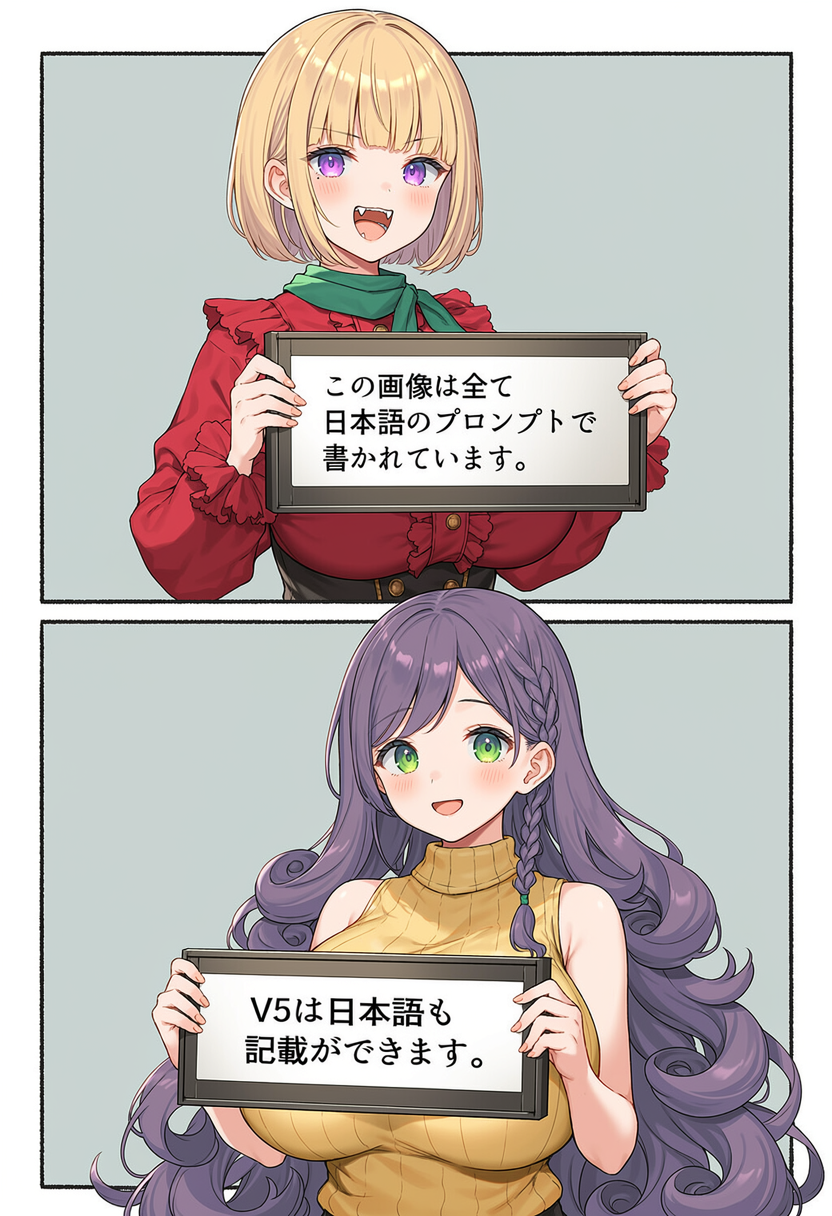
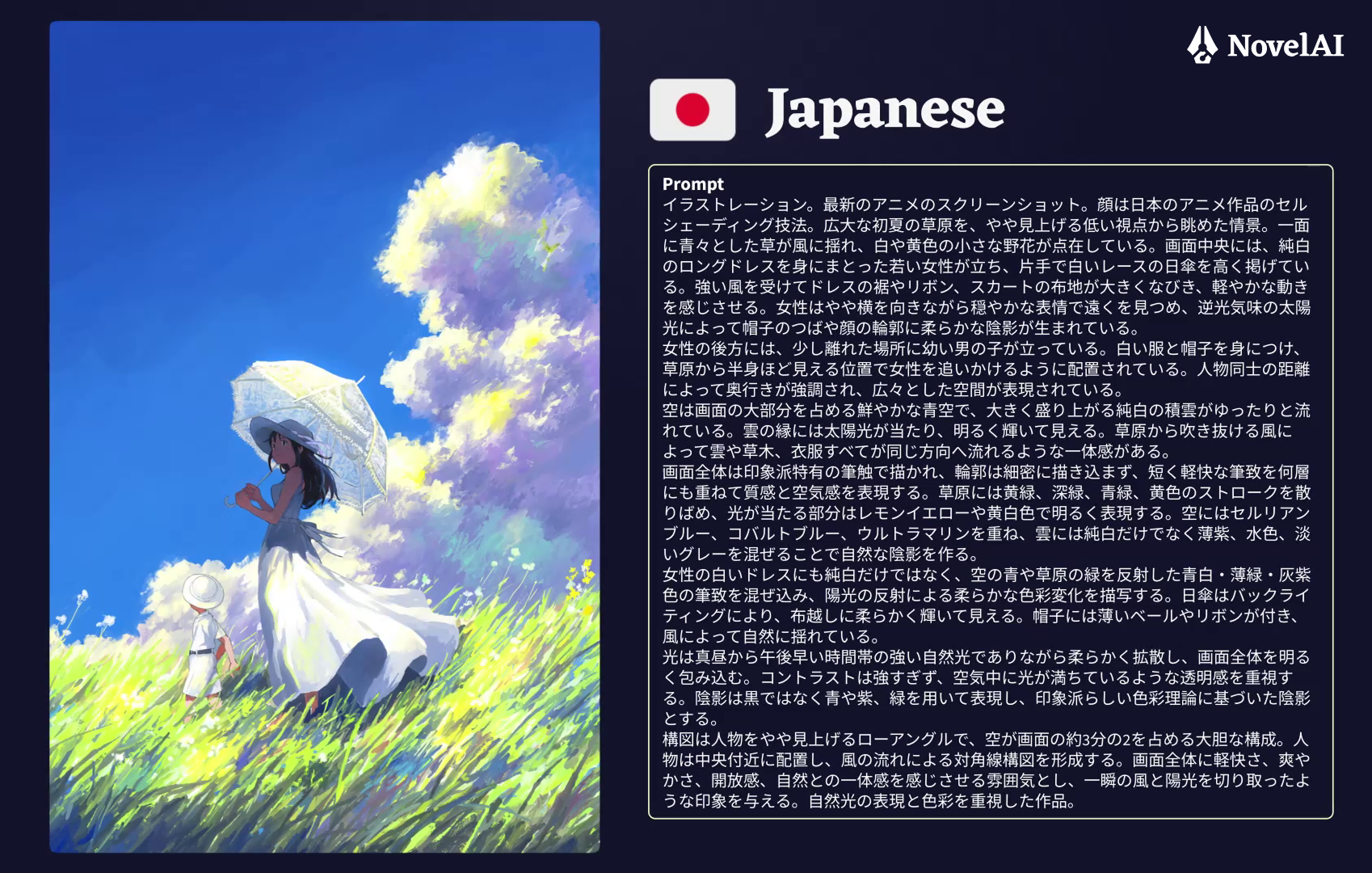
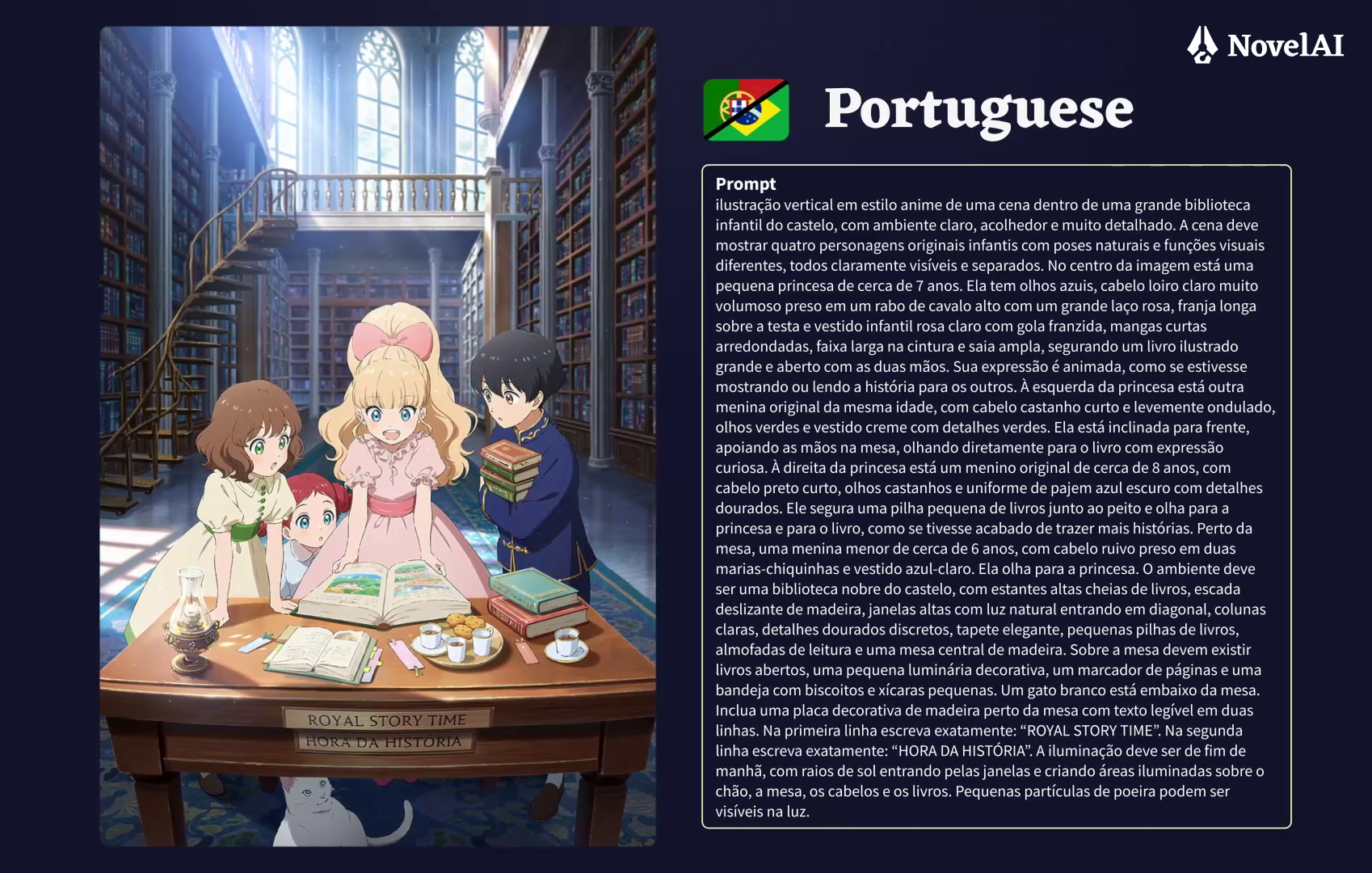
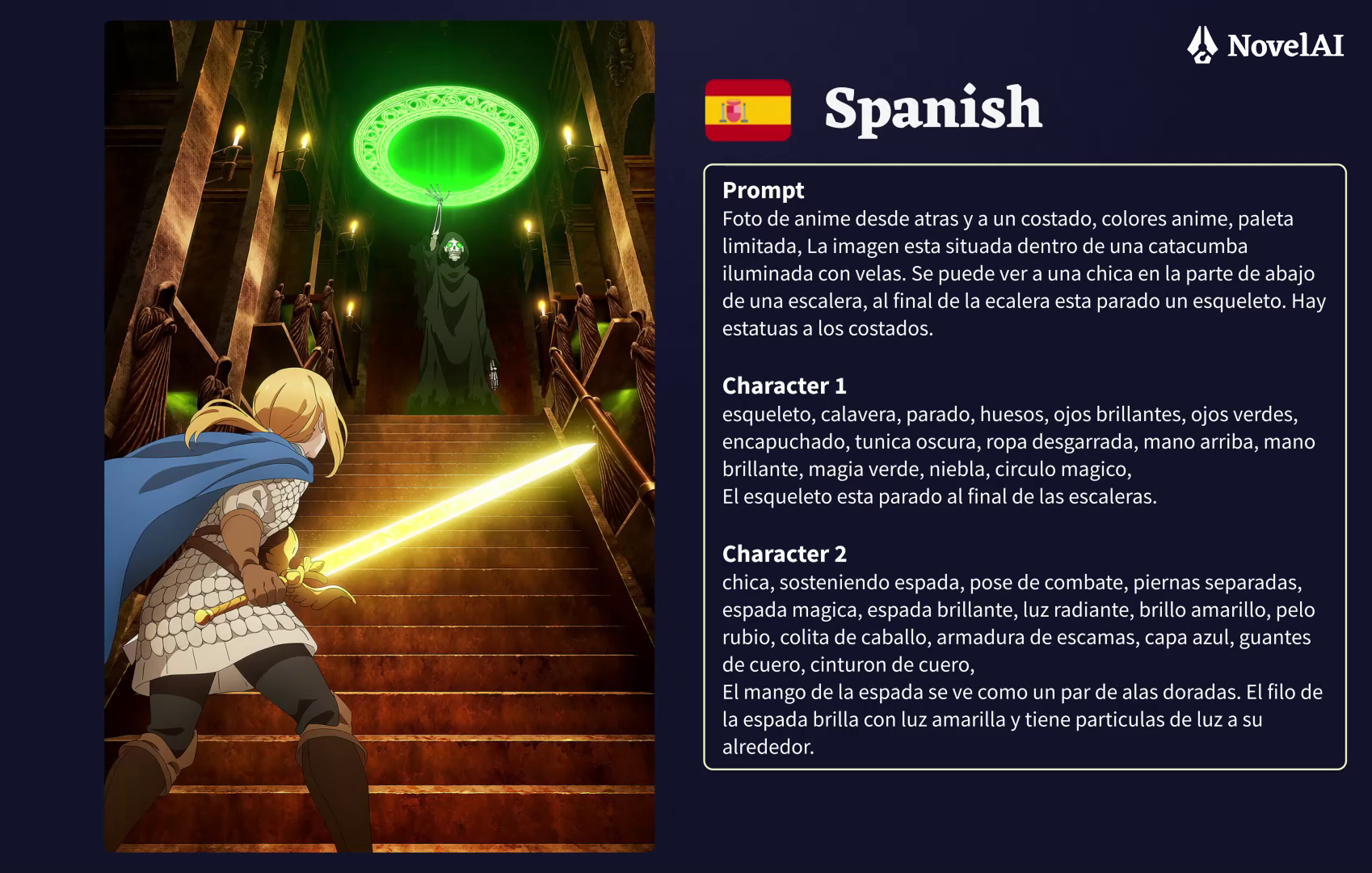
You can write your prompts in both English and Japanese, the two languages NovelAI Diffusion V5 officially supports, and Japanese support is backed by training on Japanese text transcriptions.
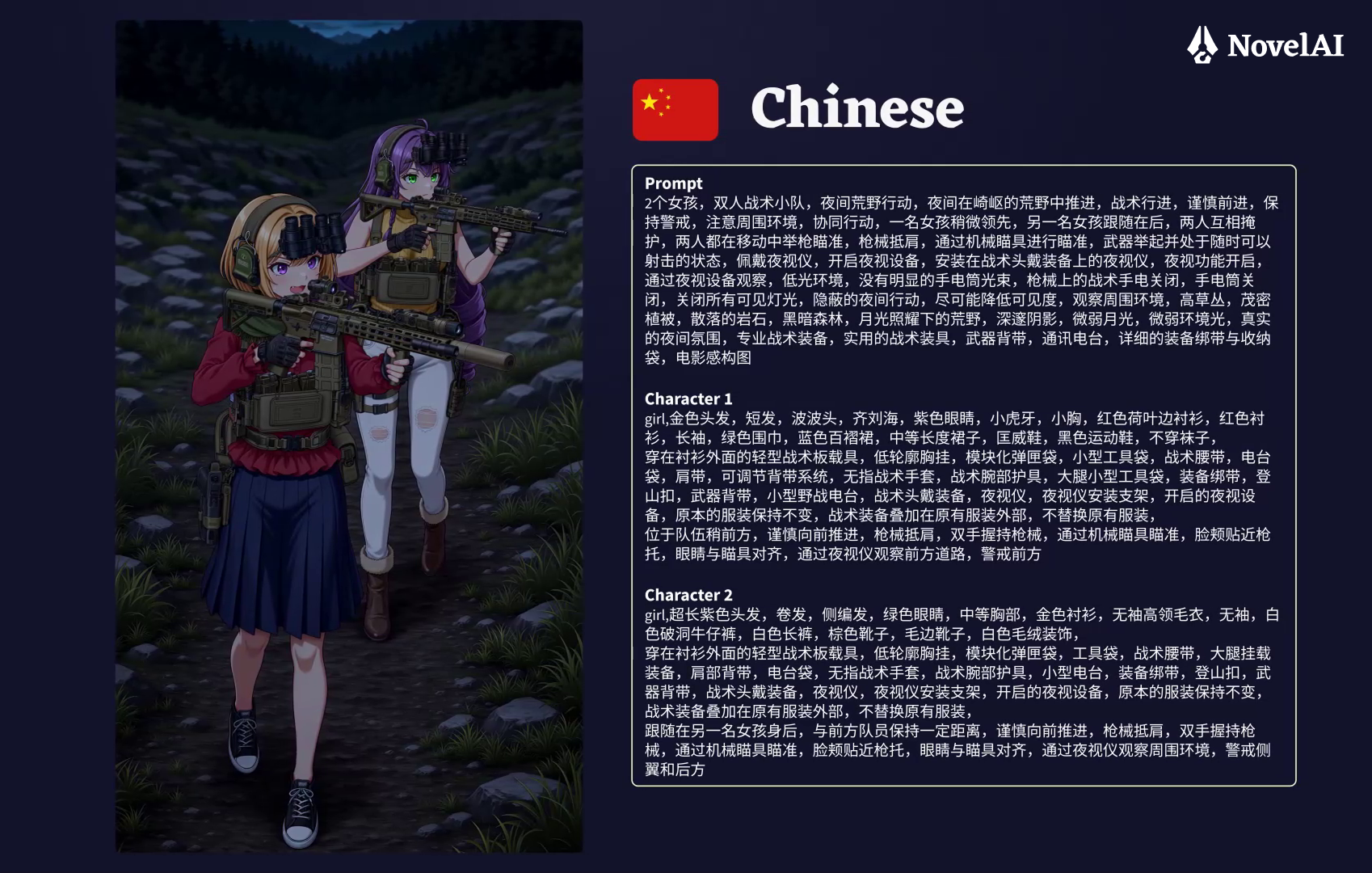
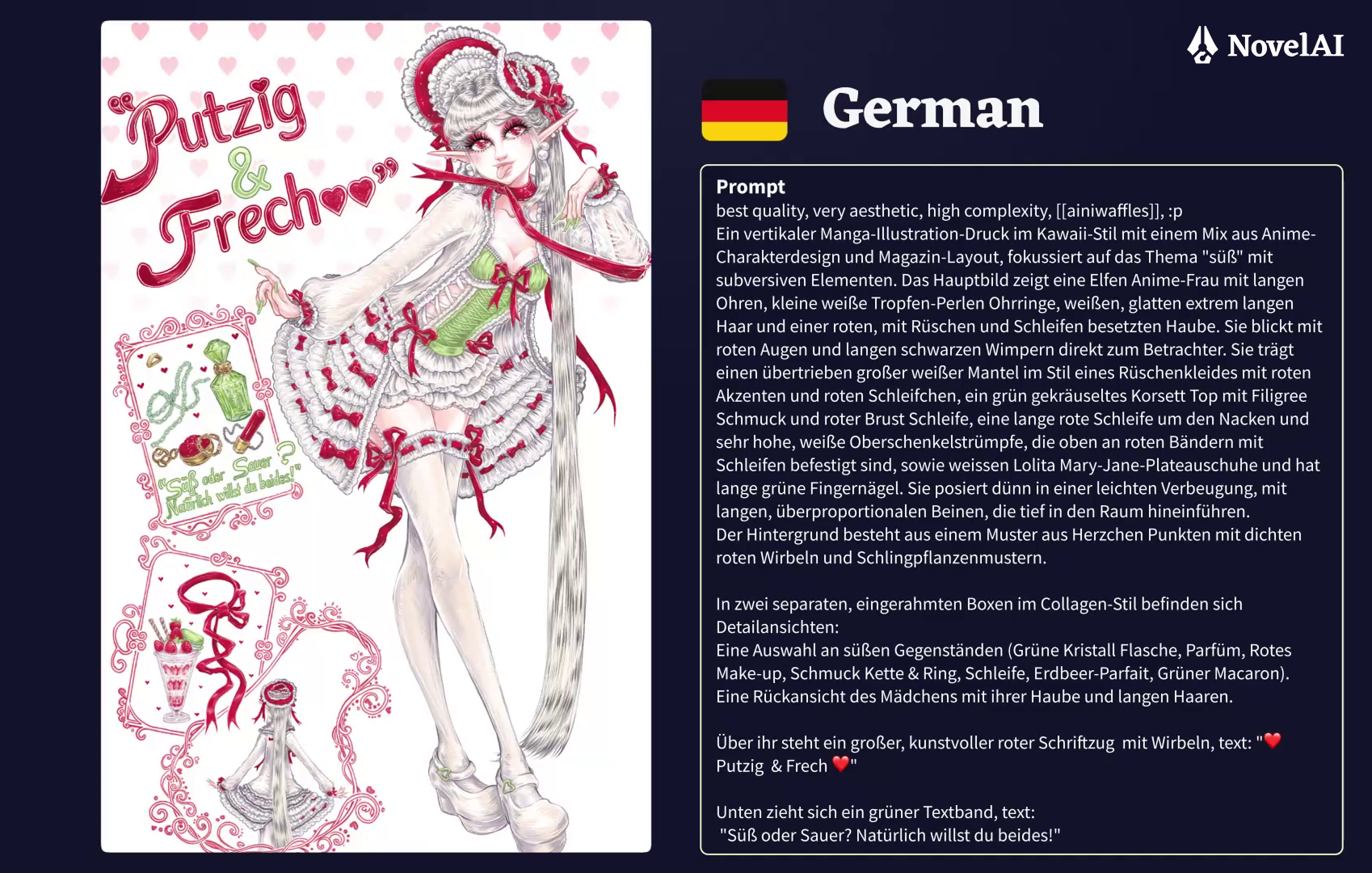
During testing, we’ve also found that various other languages can be used for prompting as well, for example, our testers have written their prompts fully in Chinese, German, Spanish and Portuguese. Keep in mind, results with these additional languages may vary since they weren’t a primary focus during training.
Higher Image Quality
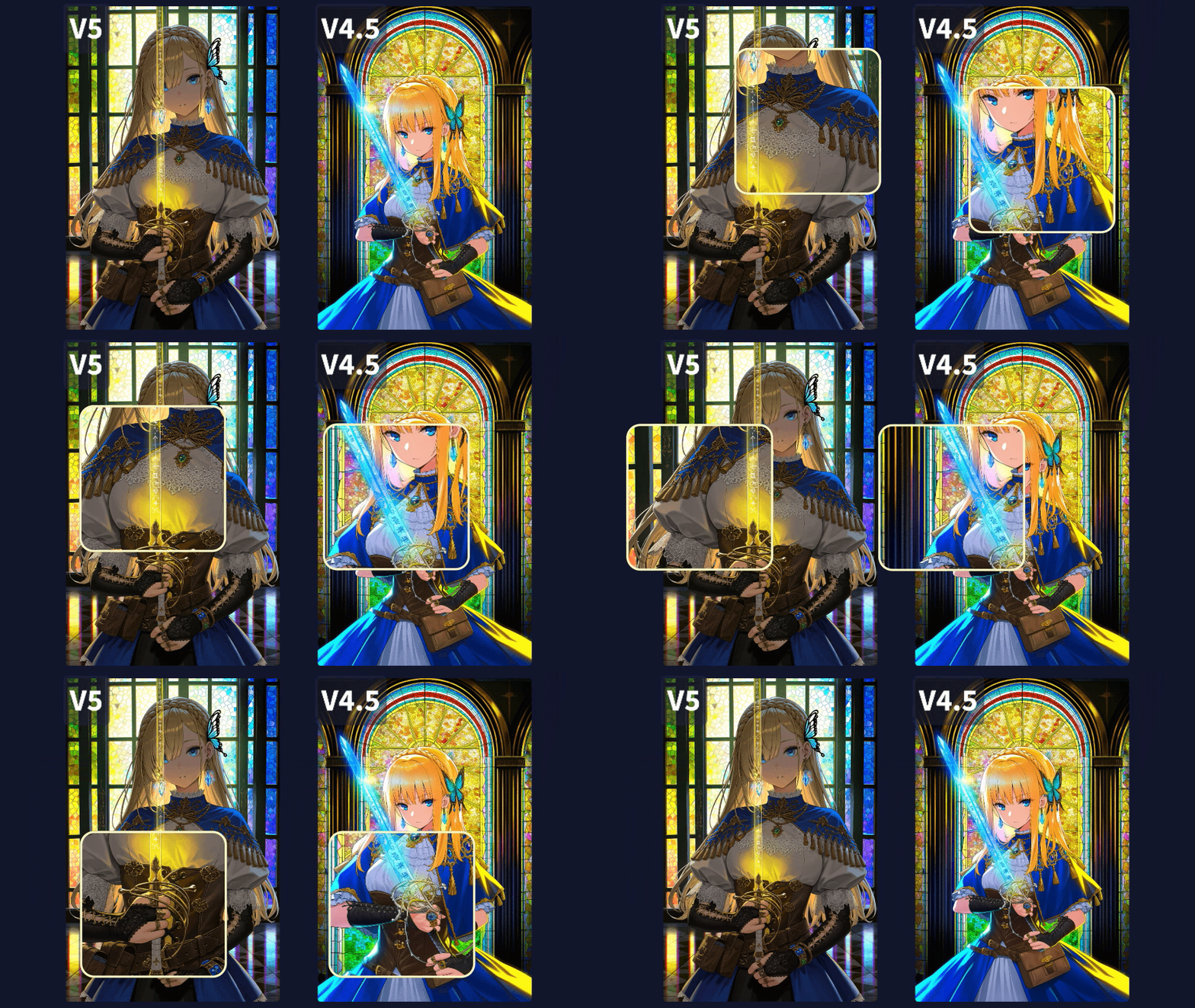
Our NovelAI Diffusion V5 model uses a 32 channel custom VAE trained on our dataset. That means that the image quality is noticeably higher than on V4.5, running on a 16 channel VAE. Small details, such as fine lines in intricately drawn eyes, jewelry, text or accessories are rendered with much higher accuracy. Say goodbye to melting goop!
Enhance to a New Level
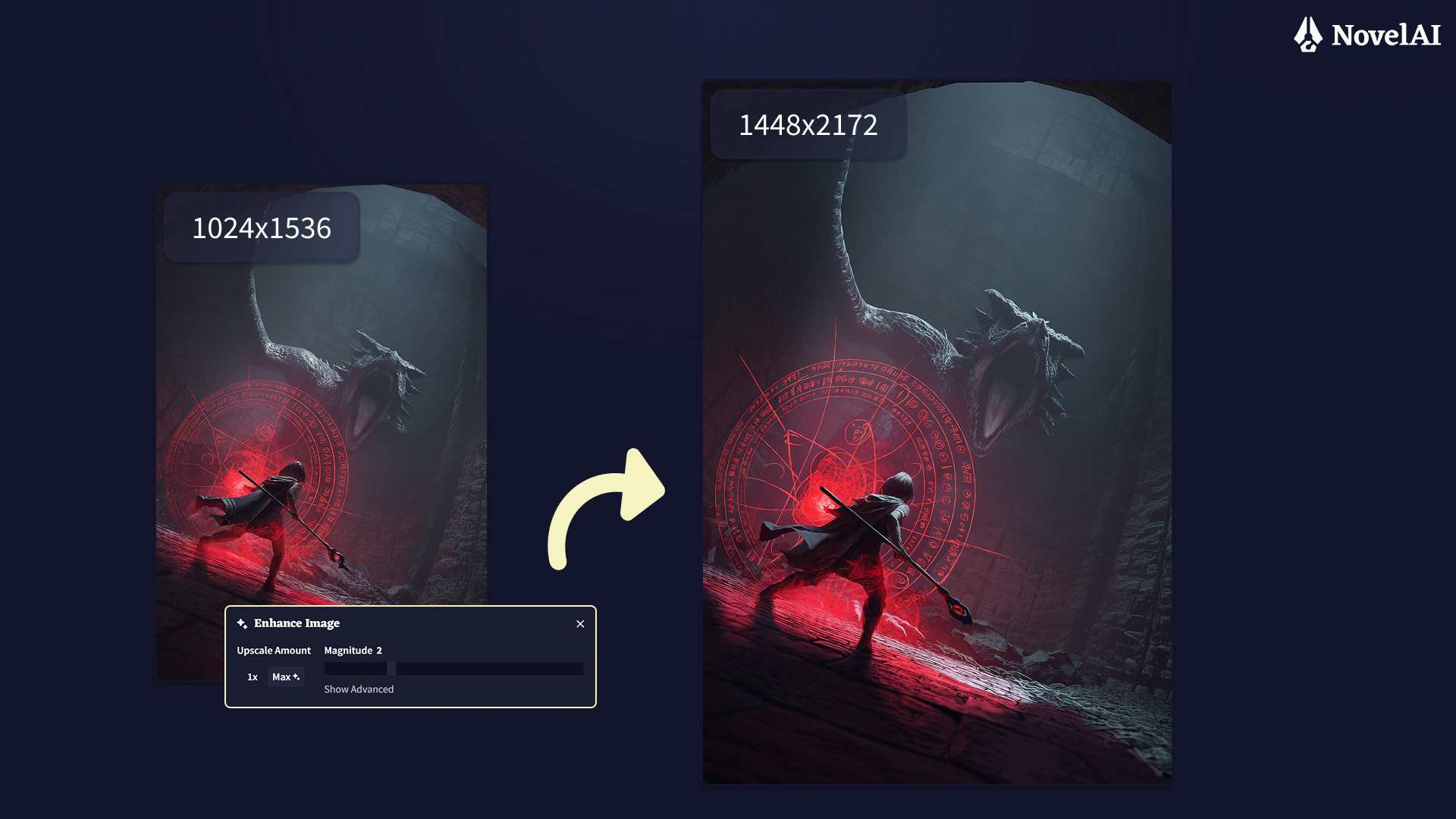
With V5, you will be able to use a new “Max✨” level when using our Enhance functionality to improve and upscale your images. “Max✨” Enhance gives you both a higher resolution image and a sharper result all at once. It is powered by our new and updated upscaler, which you can also use standalone to enlarge your images.
Improved Backgrounds, Scenes, and Environments
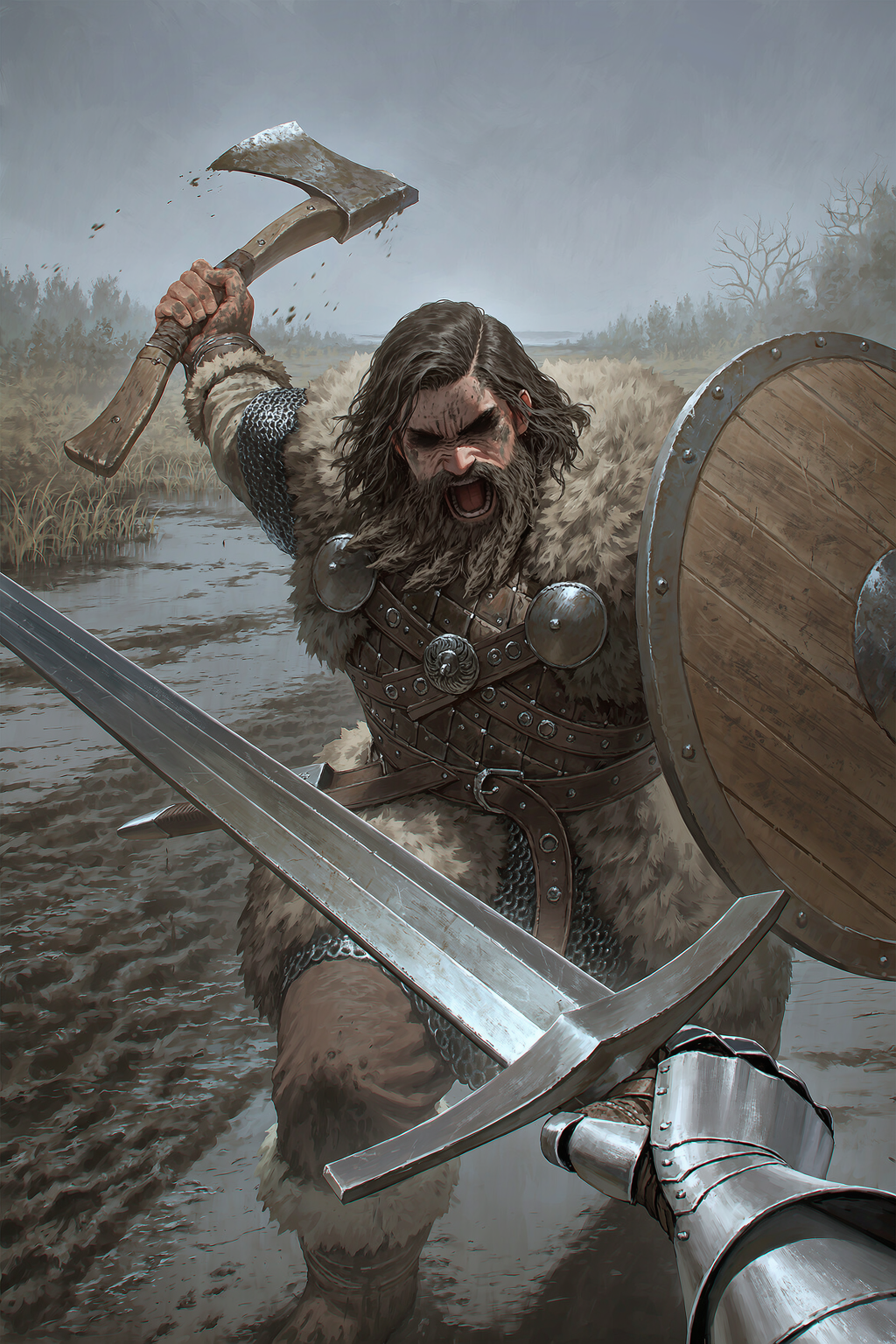
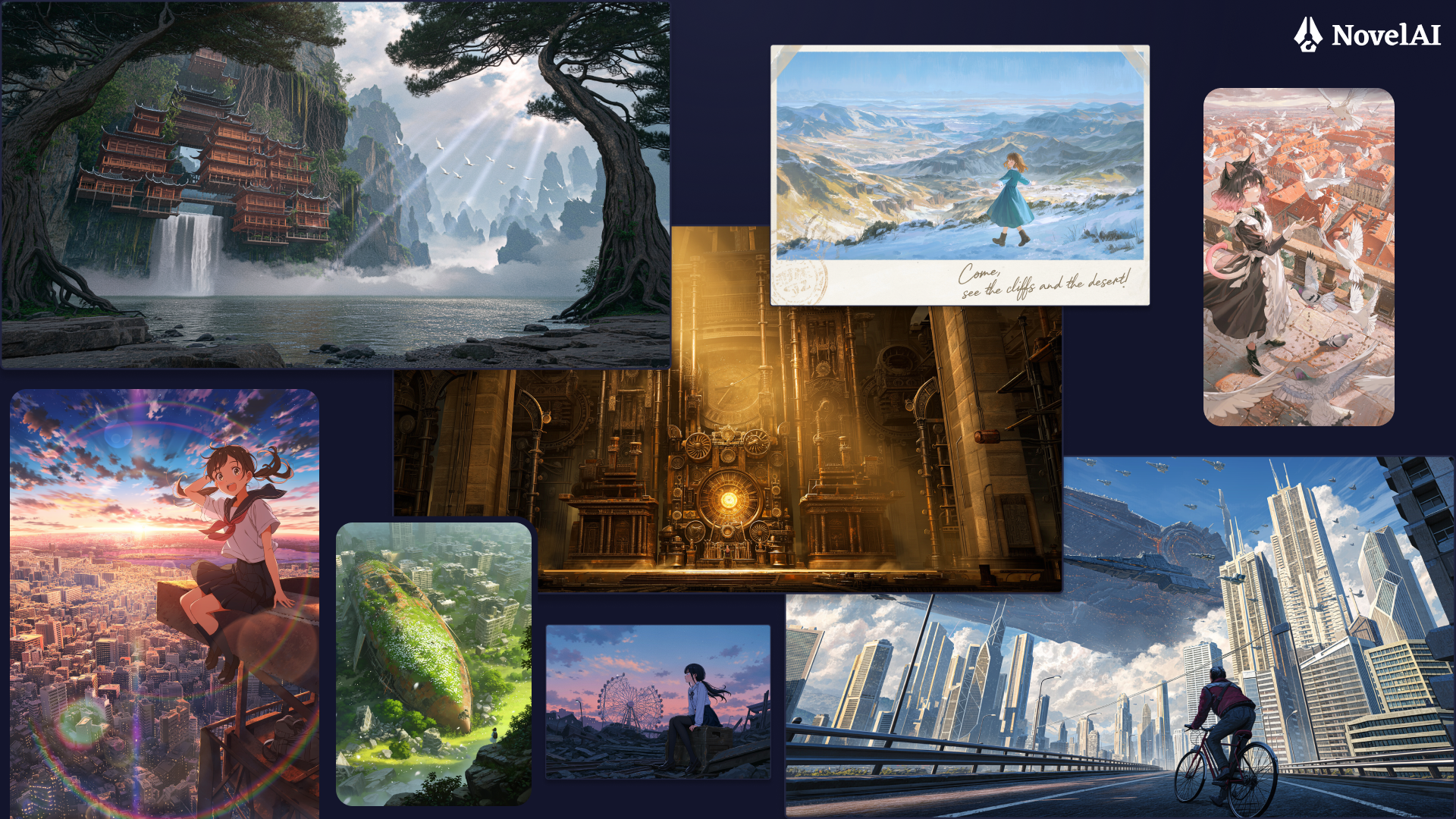
V5 doesn’t just render characters with more accuracy, your backgrounds get the same treatment. Thanks to the larger model size, improved model architecture, training data, and the new 32 channel VAE; complex environments featuring architecture, foliage, and background elements come through with noticeably more detail and coherence than on V4.5. Now your scenes feel more alive rather than serving as a simple backdrop for your characters.
Alpha Transparency
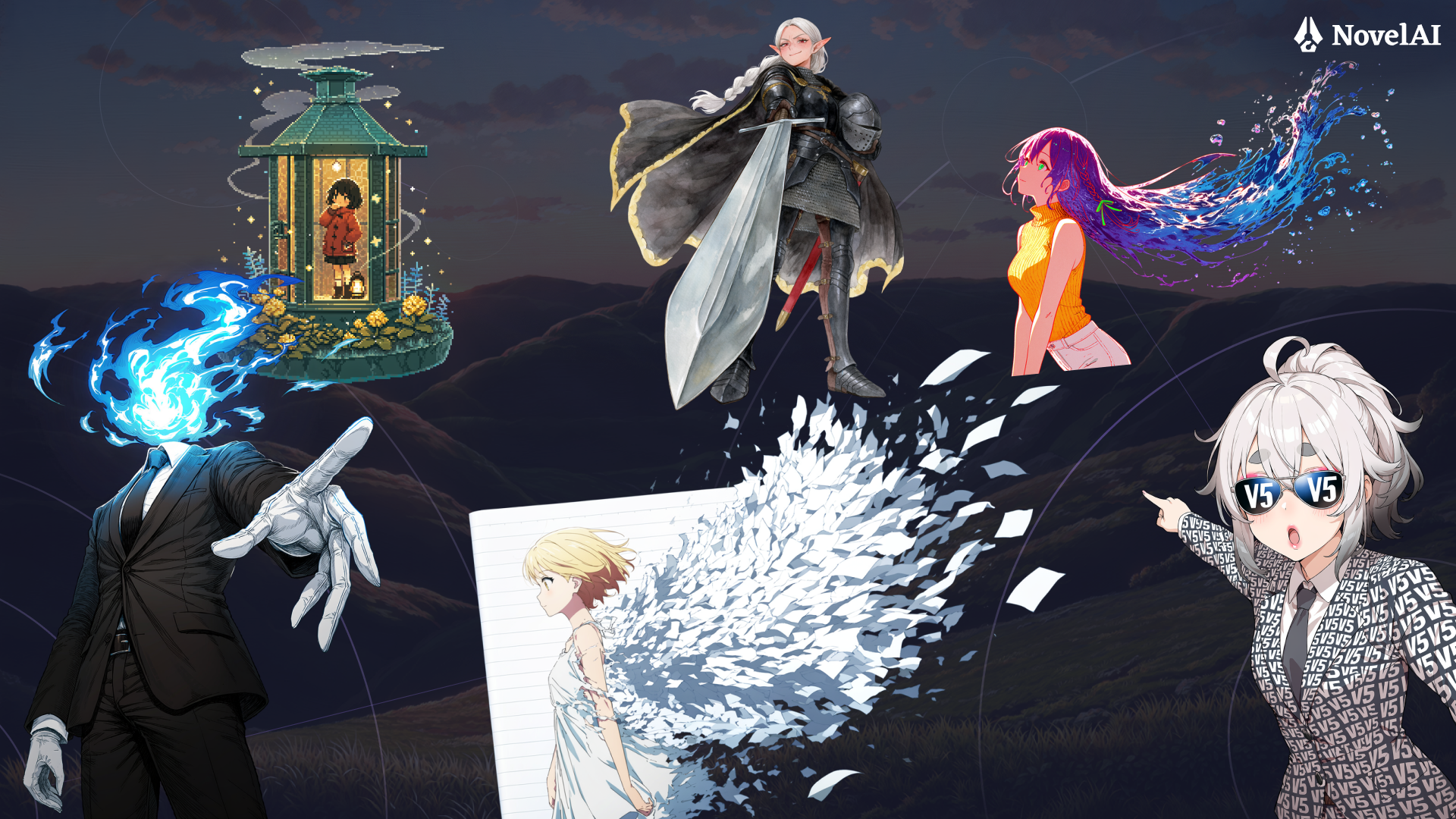
Our new custom trained VAE supports alpha channel transparency natively, we’ve also added support for generating images with true alpha transparency. Just prompt for “transparent background”, “has alpha” or “alpha transparency” to put characters on a transparent background or even produce translucent effects.
Tip: Sometimes, strengthening the “transparent background” tag can give better results (e.g. “2.1::transparent background::”).
More Space for Your Prompts
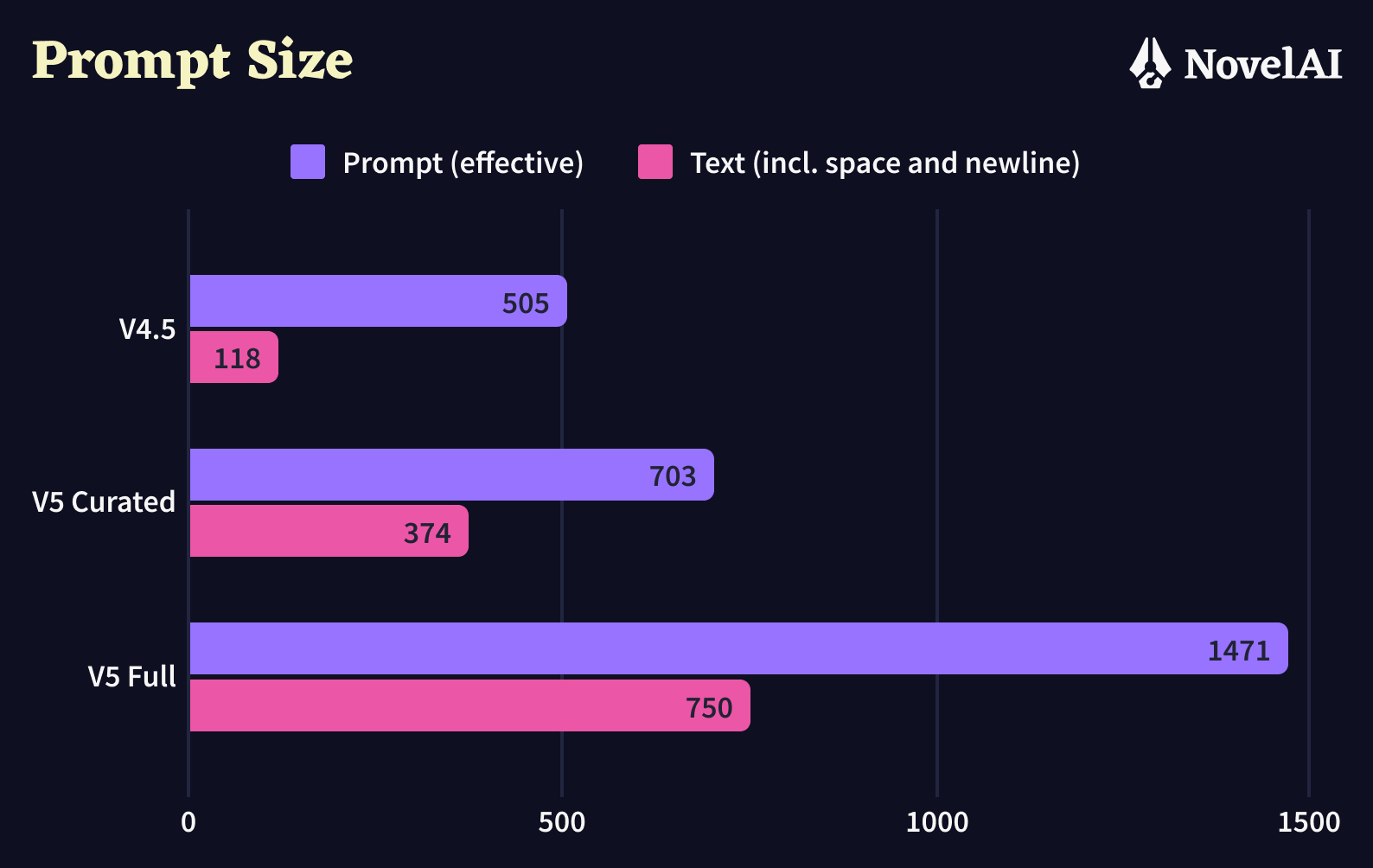
NovelAI Diffusion V5 lets you write longer prompts, allowing you to generate more intricate and more detailed scenes with more characters than ever before.
More Characters, Better Positioning, Real Interactions
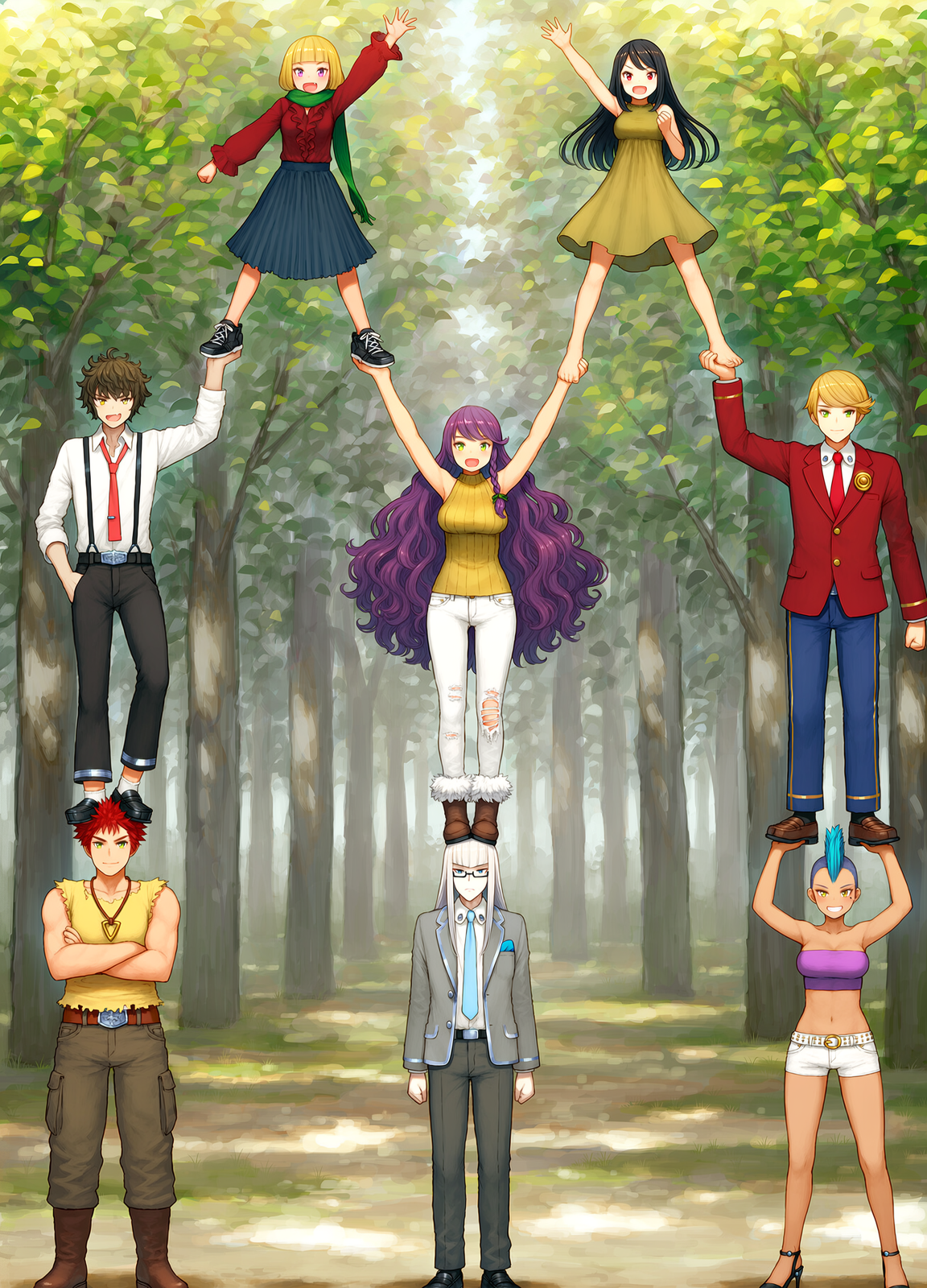
V5 supports a much higher number of individual character prompts than V4.5. In testing, we’ve gotten up to 22 distinct characters to show up on screen at once using Character Positioning.
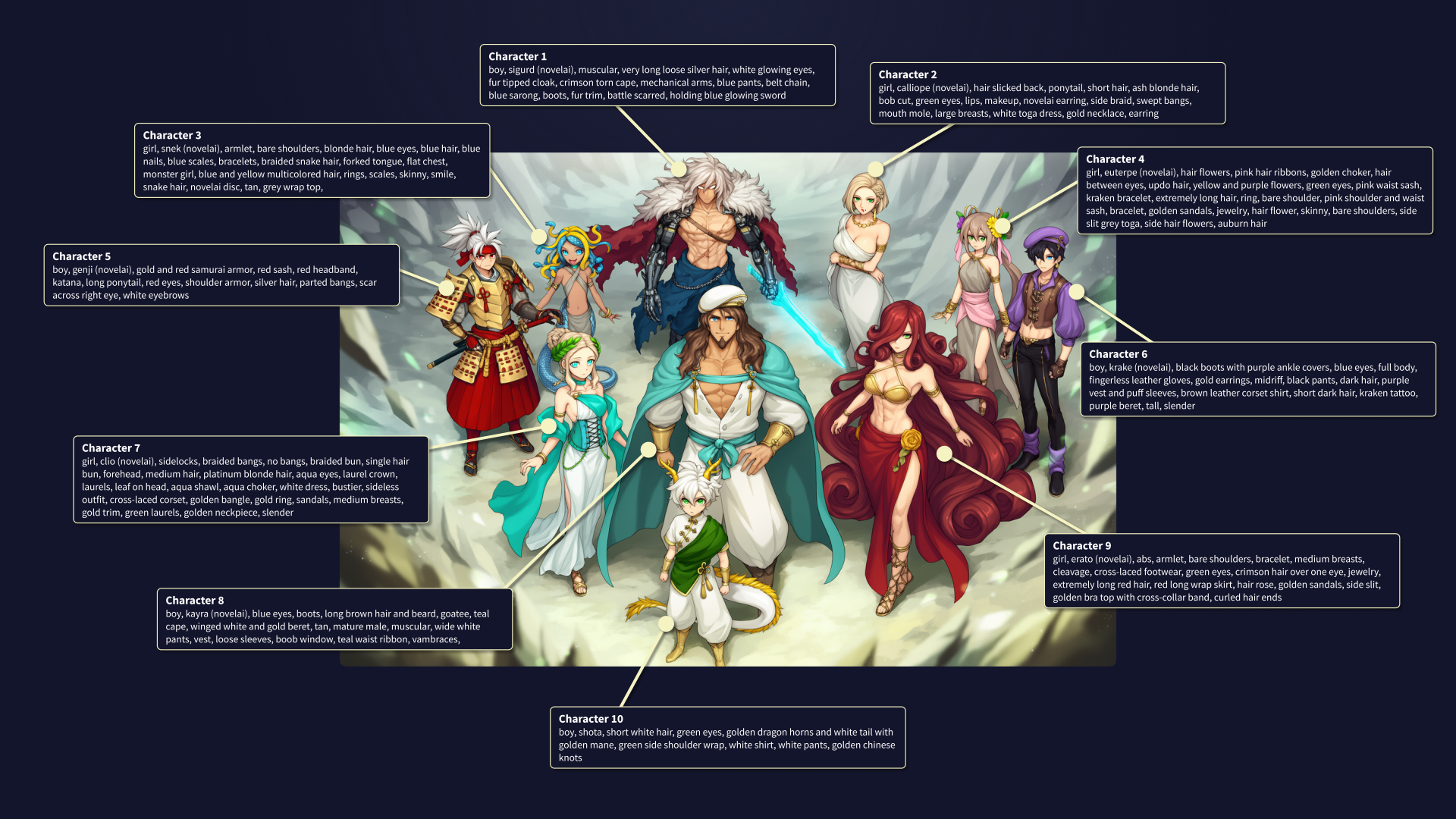
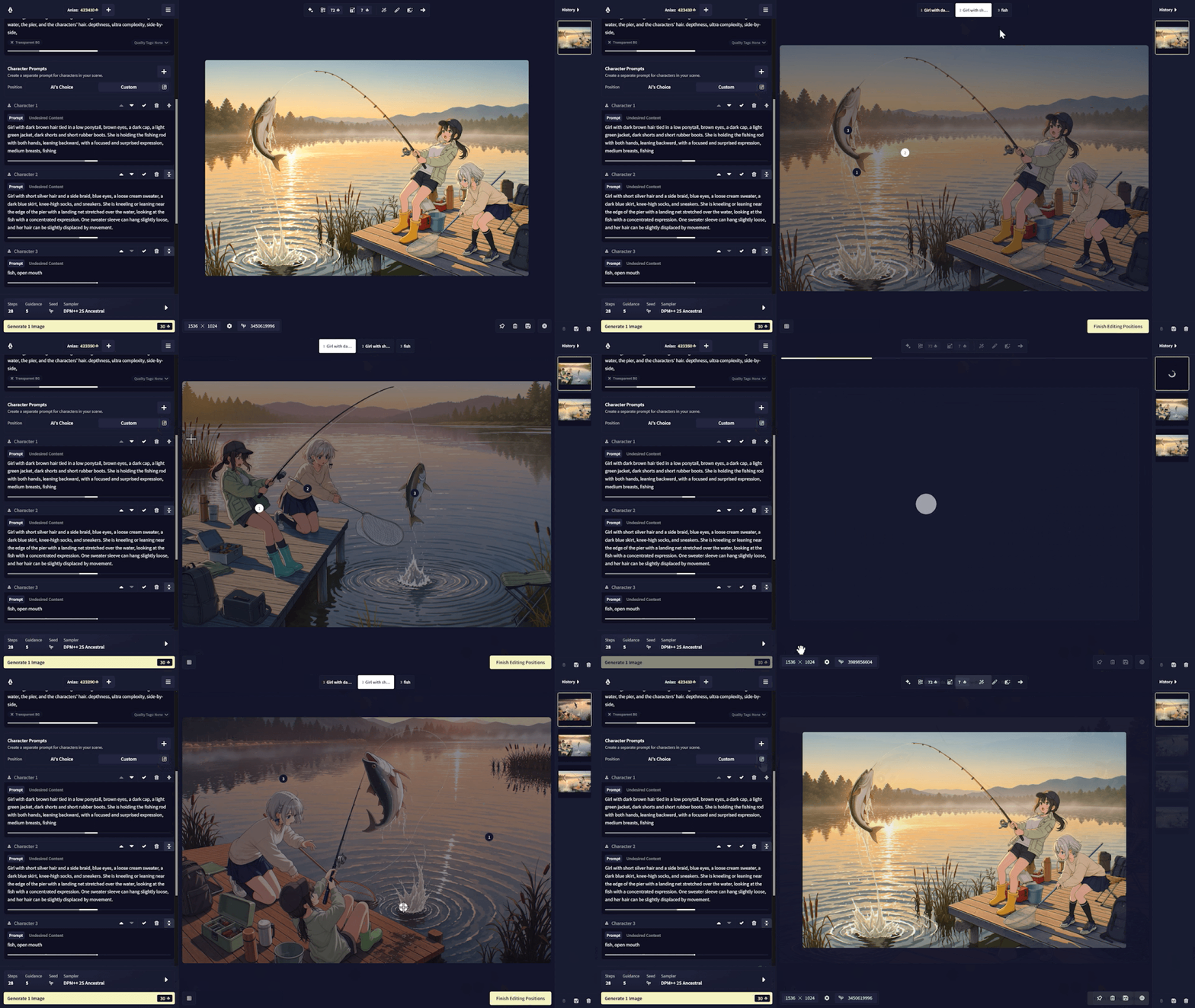
Character Positioning itself has also been greatly improved. No more tiny grids. You can now freely position your character prompts on the canvas, and the model closely follows the positions you set, giving you far more flexibility in the compositions you create.
Positioning your characters not only helps with composing the scene, just the way you imagine it, it also helps make your characters more consistent and lets you arrange complex interactions between characters with ease, while minimizing bleed between their features. Of course, even without using the positioning feature, V5 greatly enhances how naturally your characters interact with the scene and each other.
Better Text Support
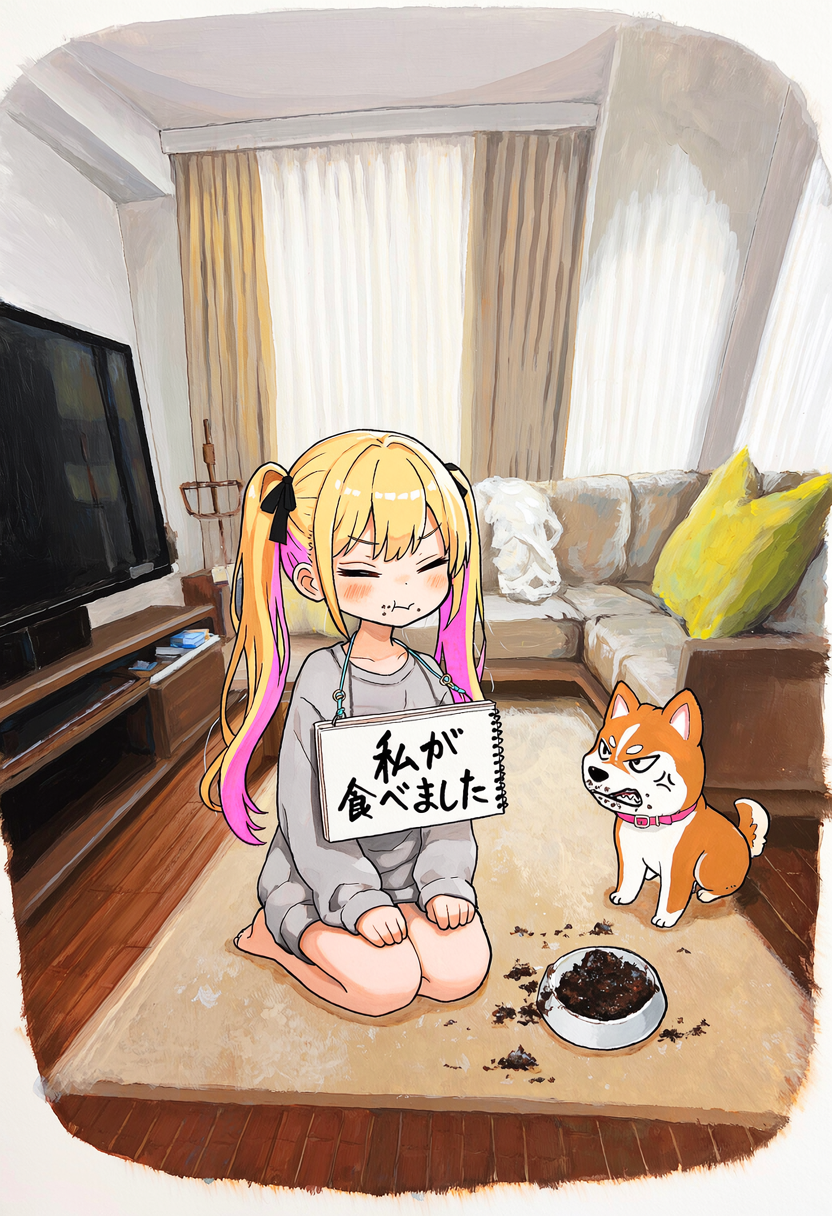
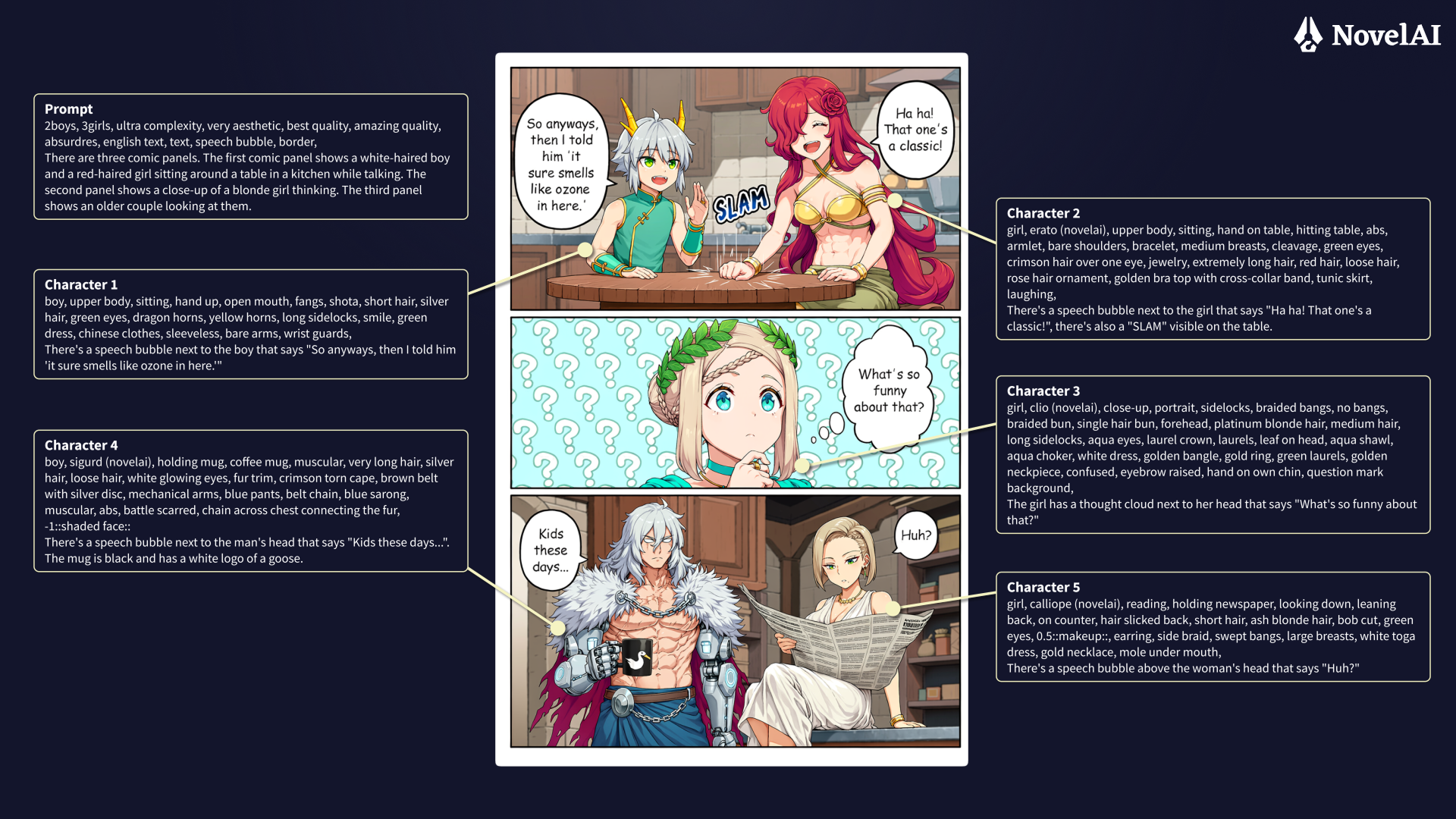
Our V5 models support rendering text in many different languages, such as English, Japanese and Chinese. This update also makes getting them to render text easier, as just quoting text will now make our frontend automatically prepare the “Text:” block that had to be prepared manually on V4.5. Of course, if you prefer the tinkering, you can still specify the “Text:” block yourself, which will disable this new functionality. As shown in the table above, the length of texts you can have the model generate inside your images has also expanded significantly compared to V4.5.
You can also style and position your text freely by describing it with natural language, for example:
A handwritten speech bubble with green text and a white background, floating next to the purple haired girl’s head, “Hello, world!”
Comic Generation
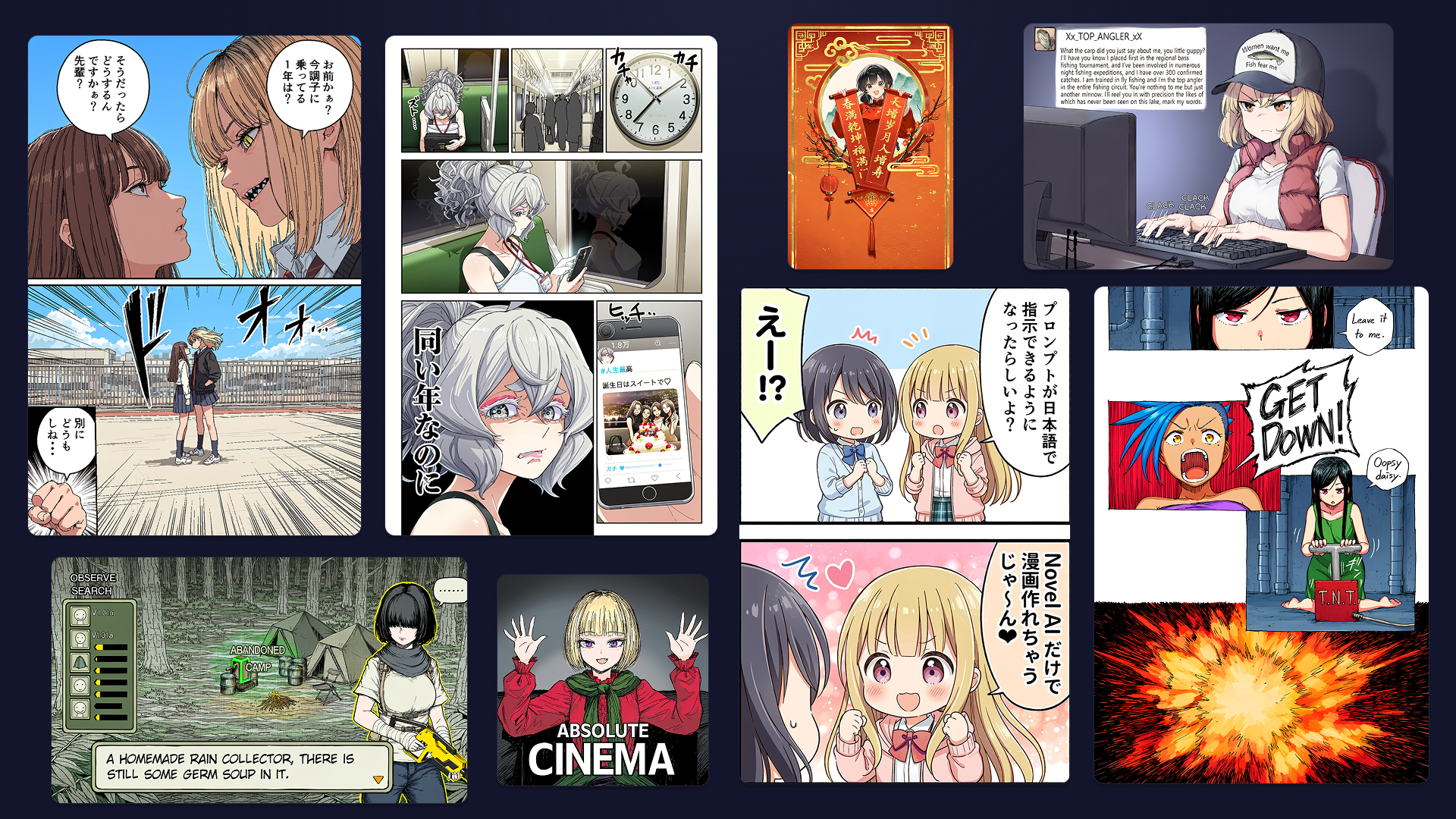
Just describe how your comic or manga page should be laid out in natural language and/or guide it by positioning your character prompts in the UI and our new V5 model will give you a fully paneled page in a single generation, no more cutting up and pasting multiple generations needed. Our comics data is now far more complex than before, when it was limited to 2koma, letting V5 handle full multi-panel pages instead of just simple strips.
Some New Tags
We have added some new and custom tags that you might find useful in your prompts:
- “depthness” — this tag will give the shading of your image more depth.
- “attractive male” — what it does on the tin.
- “low complexity”, “medium complexity”, “high complexity”, “ultra complexity” — tell the model how complex your image should be. This can significantly alter the style and look of the image. For normal, nice looking images, you are probably best served by “high complexity”, while “ultra complexity” and “low complexity” can be better suited for more stylized images.
- “has alpha” — an optional tag that indicates that you want the alpha channel of your image to be used in some way. It is more abstract than “transparent background”, which simply makes the background transparent, and “alpha transparency”, which indicates that you want things in your scene to be see-through in an alpha transparent way (e.g. magical effects, fire, umbrellas, etc.)
- “meta:novel era”, “meta:golden era” — these tags bias your image towards a less modern and slightly more modern look in a subtle way.
- “visual novel art”, “visual novel bg”, “visual novel cg”, “visual novel chibi”, “visual novel sprite” — tags that let you explore images in the style found in visual novels
Inpainting
Inpainting easily lets you make changes to your generated images, to fix small mishaps or get creative with different versions of the same image. This time, we’re launching with inpainting support for the V5 Full model. The curated inpainting model is still cooking, so we’ll add it once it is ready. Until then, V5 Curated will use V4.5 Curated’s inpainting function.
Still In Progress
As with previous releases, features like Precise Reference, Curated Inpainting, and Vibe Transfer aren’t part of today’s launch.
As usual, we’ll be training and rolling out additional features for V5 following the release.
A Refreshed UI
In addition to NovelAI Diffusion V5, we are rolling out a total overhaul of the image generation UI. This refresh brings a sleek restyling to nearly every element, paired with a selection of powerful new features.
Output Viewer
The output view now scrolls and zooms, and shows your previous generations stacked below your current one so you can look back at what you’ve made without digging through history. Not a fan of the new layout or the animations? Turn on “Simple Output Viewer” and/or “Reduce Motion” in settings.
Character Prompts
Character prompts can be propped open now, so they stop minimizing every time you click over to a different one. You can also name them (just don’t expect that name to survive being saved to metadata or reimported).
Character Positioning, Improved
You can now select the position of your characters in the output viewer instead of guessing, and there are optional grid lines if you wish to line things up precisely.
Pinning, Overhauled
Pin more than one image at a time. They’ll show up in their own little area to the left of your outputs.
A few smaller things: model mode has moved from the prompt input to live next to the model select, advanced settings now show their values even when the settings box is minimized, the history sidebar can be resized, and mobile has swapped its old tabbed tray for a single draggable sheet.
Usage Limits & Subscriptions
Along with V5 and the UI refresh, we’ve introduced some subscription changes. For the full details, click here.
Enjoy!
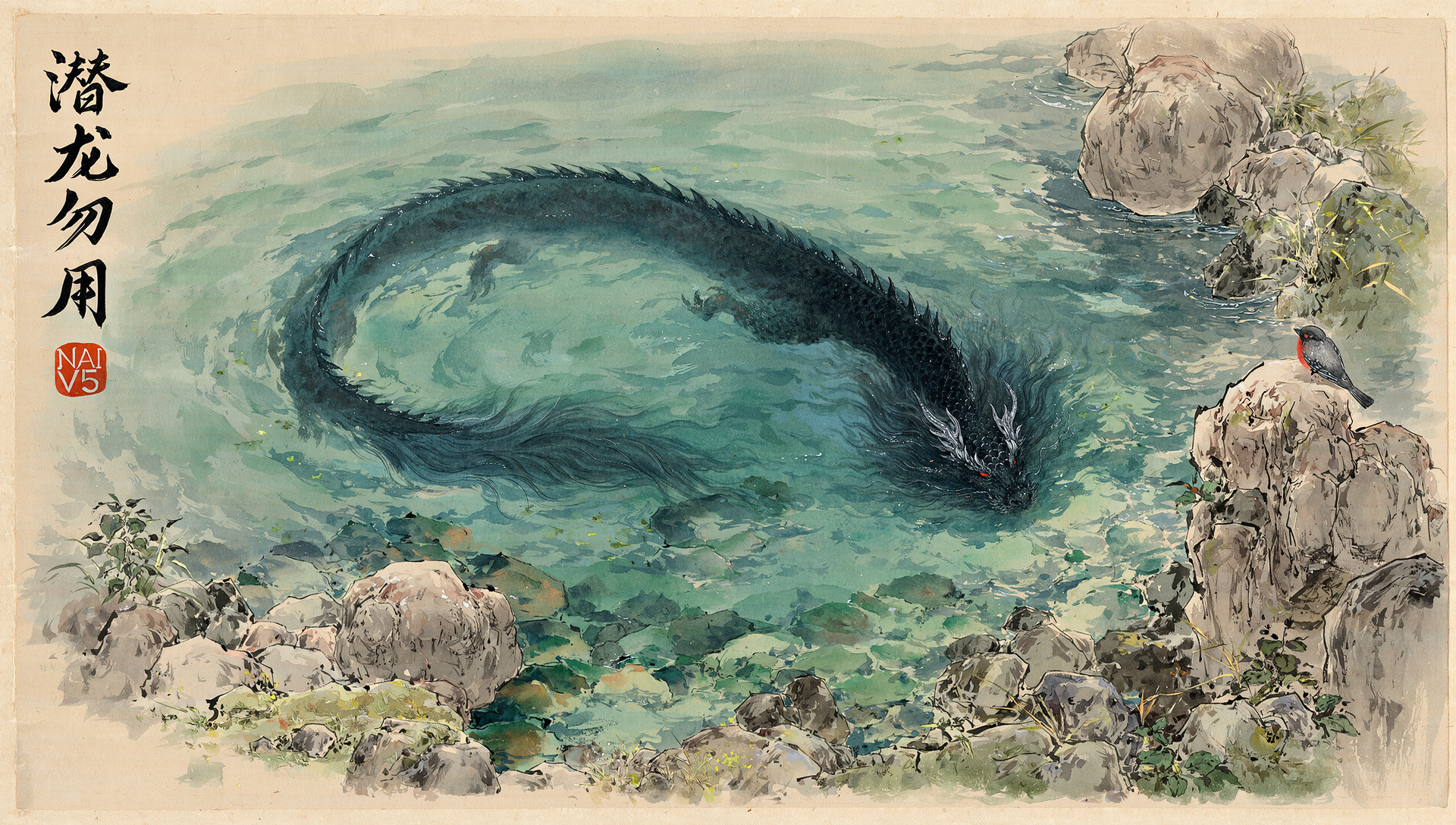
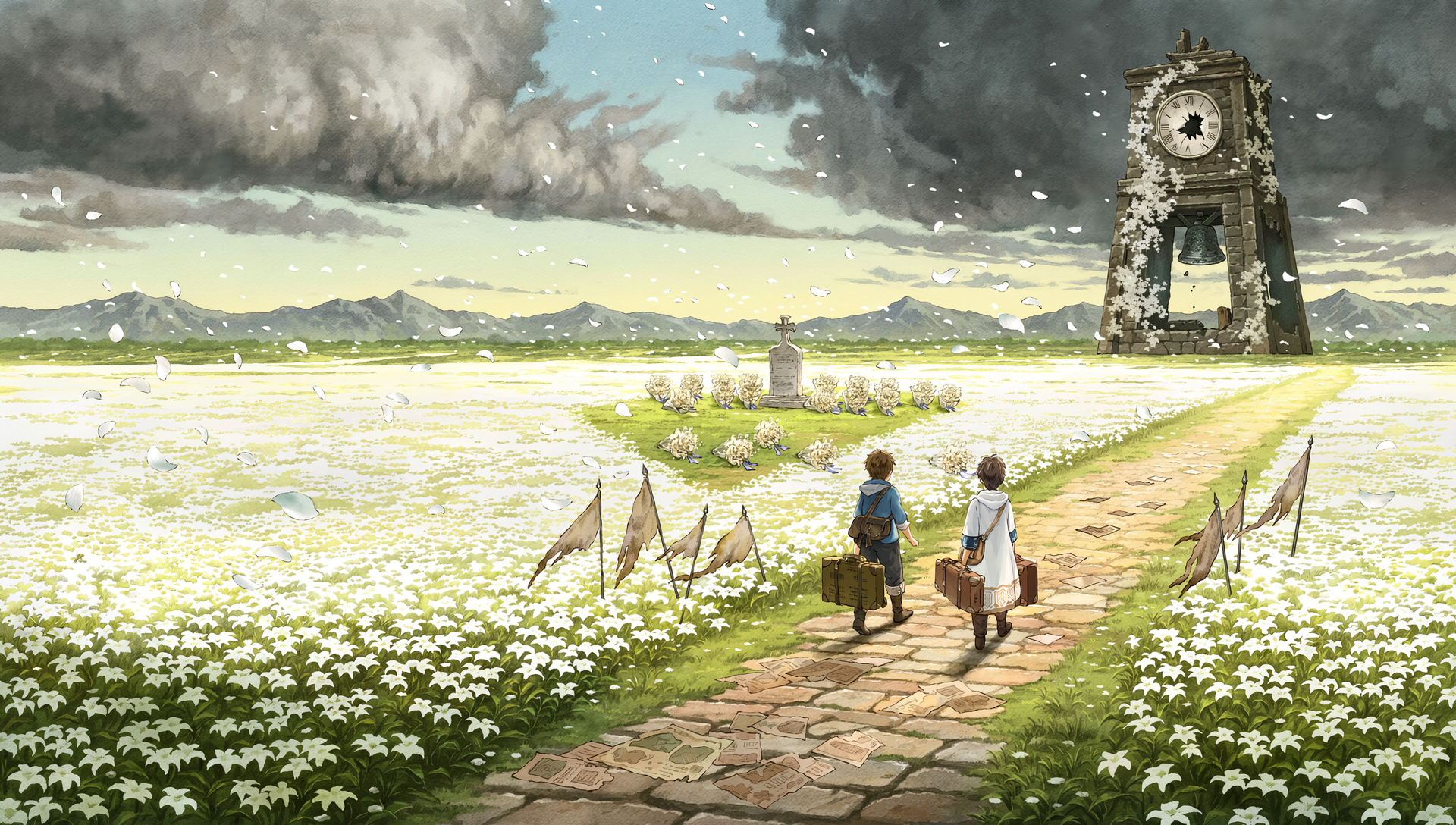
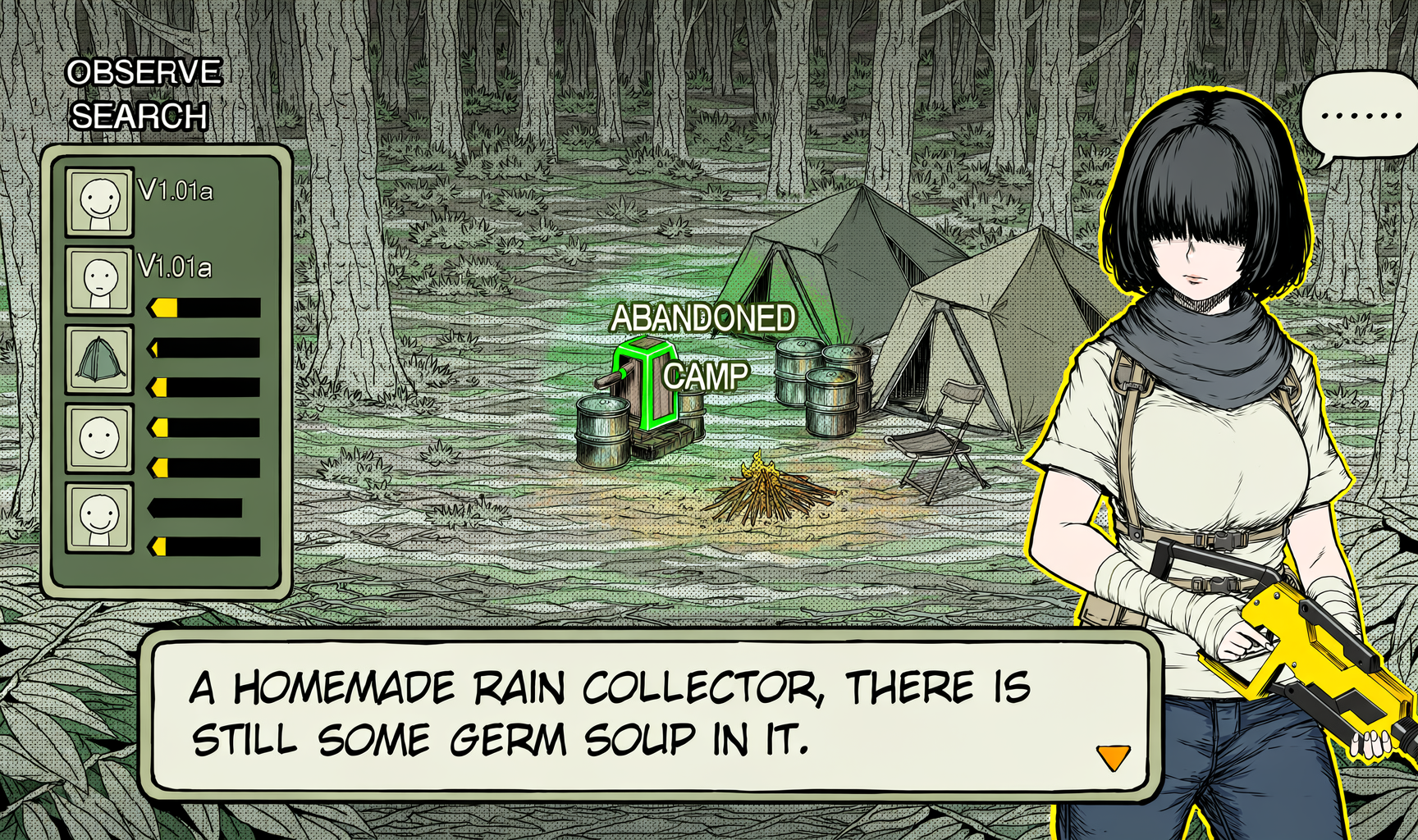
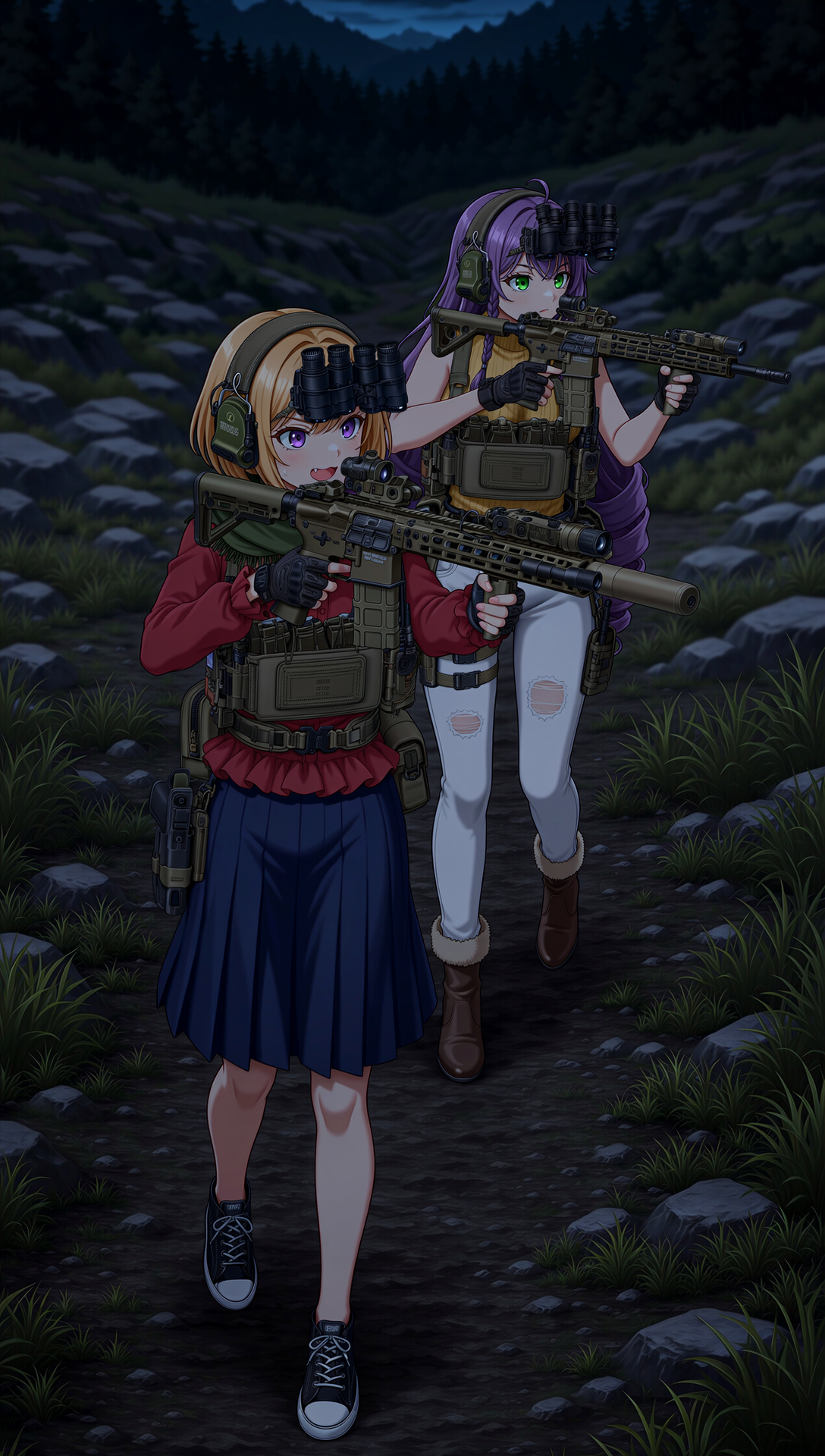
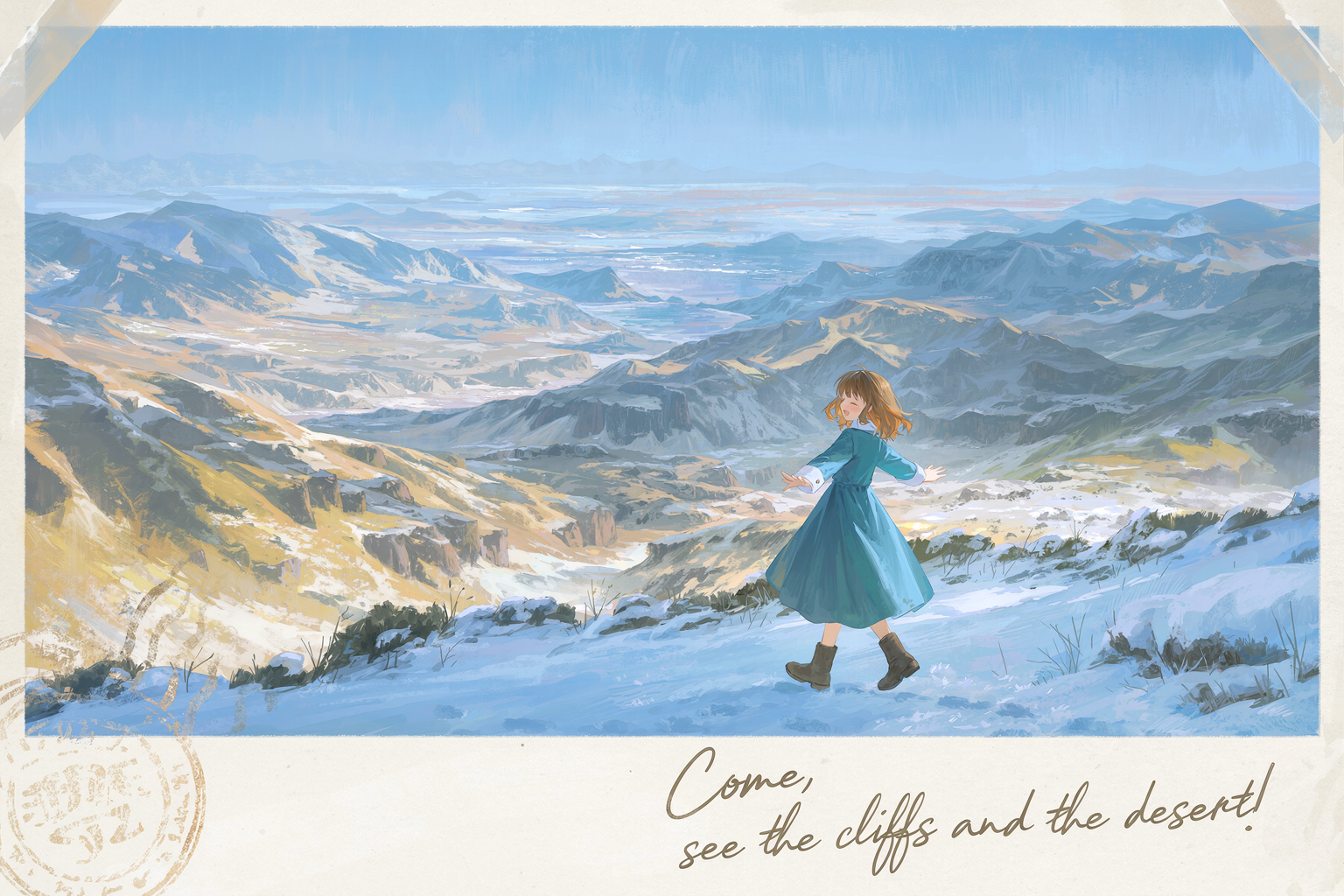
That’s all for now. Please enjoy our newly released V5 model! If you need some inspiration, please check out the image gallery below. If you click on the images to open them in full size, you can import the metadata directly on our website.